Free Classroom Visual Schedule (Printable Daily Schedule Cards)
Post the day where every student can see it. This whole-class visual schedule lays out a full classroom day in pictures, from arrival and morning meeting through centers, specials, lunch, and dismissal. Move a now-and-next marker down the chart so your students always know what is happening and what comes after it. Rearrange or relabel any block to match your room.
Match the figures to your students: show a boy or girl in a light or dark skin tone, then print or download the matching PDF.
- 12 activities
- Free printable PDF
- Editable in browser
Editor Preview
All 12 steps with picture symbols, ready to customize before you print.
- Step 1
 Arrival and unpack
 - Step 2
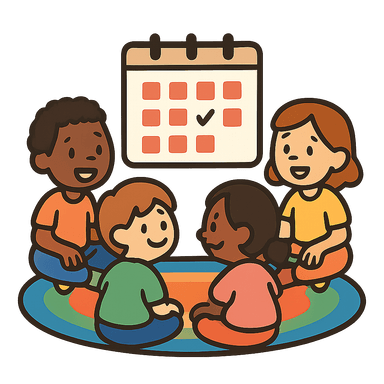 Morning meeting
 - Step 3
 Reading block
 - Step 4
 Writing block
 - Step 5
 Learning centers
 - Step 6
 Recess
 - Step 7
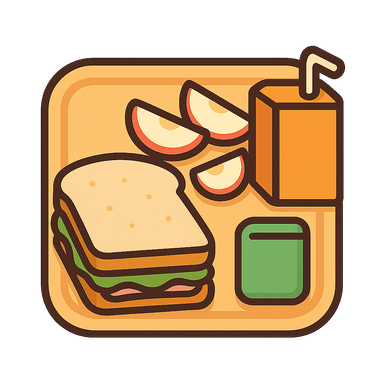 Lunch
Lunch - Step 8
 Quiet time
 - Step 9
 Math block
 - Step 10
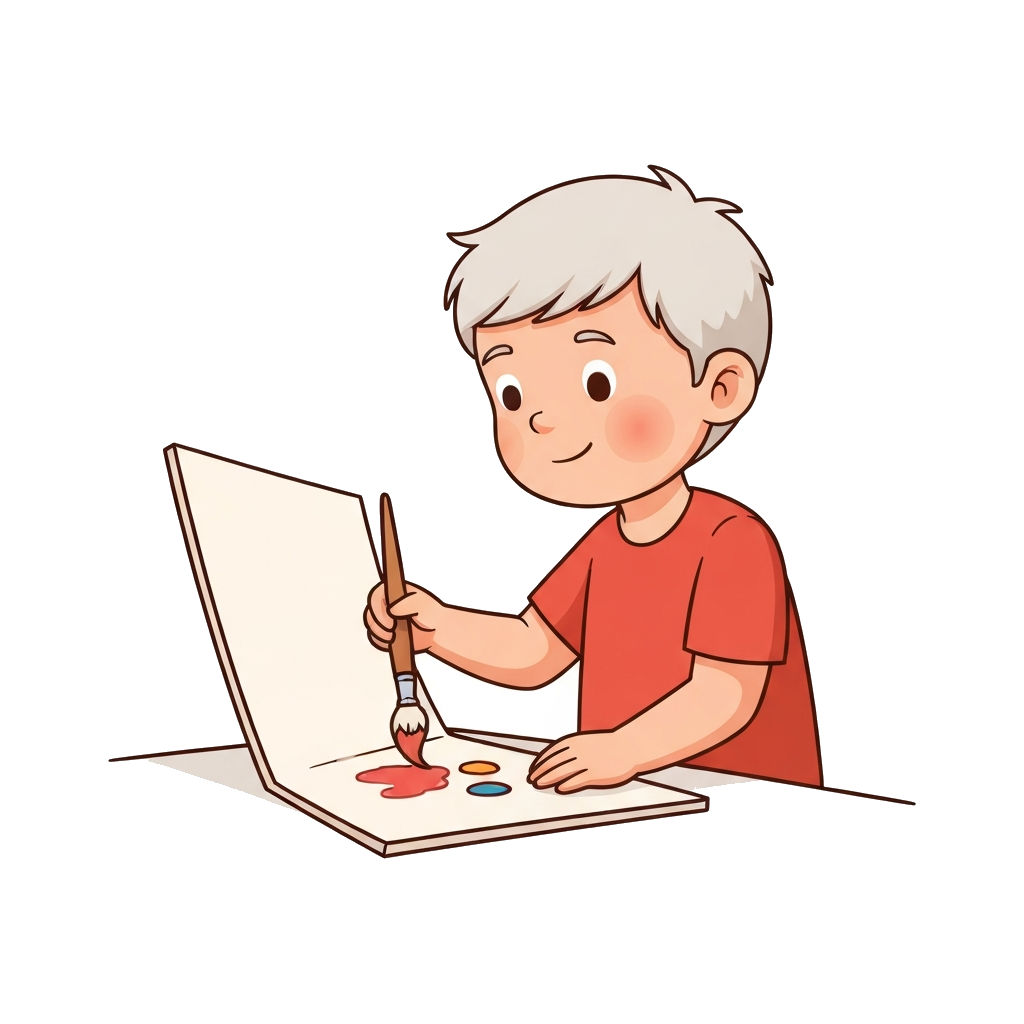 Specials
 - Step 11
 Clean up and pack up
 - Step 12
 Dismissal
Printable Preview
What the free PDF looks like once you download or print it. Every toggle above updates it.
Page 1 of 2. The PDF includes every step.
Show a boy or girl in a light or dark skin tone to match your students, and pick your layout, card size, page size, and orientation. On the checklist layout you can also turn numbers, times, checkboxes, and icons on or off. The preview and PDF follow your choice.
A classroom runs on a schedule that lives mostly in the teacher's head. The class finds out what is next moment to moment, which is hard for any young student and much harder for students who need predictability to feel settled. A schedule posted on the wall turns that hidden plan into something the whole room can see and count on.
This template covers a full classroom day in twelve blocks: arrival and unpack, morning meeting, reading, writing, learning centers, recess, lunch, quiet time, math, specials, clean up, and dismissal. Print the cards, laminate them, and put them in order on your wall or pocket chart. A small now-and-next arrow or clip that you slide down the chart through the day gives students a constant reference point during transitions.
Make the blocks match your real day. Swap specials for the actual rotation, drop a block you do not run, or add one the template is missing. A schedule that matches the day earns trust; one that is wrong in a spot students notice loses it. Because the pictures carry the meaning, the chart works for pre-readers and multilingual classrooms alike, and you can pencil or clip a clock time onto each block if your students are learning to read a schedule by time.
The class-wide chart also removes the singling-out that a personal desk schedule can create. Every student references the same board, so the student who needs it most is doing the same thing everyone else is. For a student whose IEP names visual supports, you can point to this posted schedule as the accommodation in action, and print a matching half-size strip for that student's desk if they need a copy closer than the wall.
Introduce the chart on the first morning by walking the class through it block by block, then refer to it at every transition for the first week. Within a few days students start reading it on their own and telling you what is next. Once it is part of the room, the schedule quietly does the work of a dozen redirections a day.
Ready-made daily and routine visual schedules to print and post, one folder per routine at Small, Medium and Large card sizes, in US Letter and A4 with a setup guide.
When to Use This Template
Best for early-childhood and elementary classrooms where students benefit from seeing the whole day at once. Post it at the carpet or by the door, and use it during every transition so the class knows what is next without asking.
How to Customize This Template
- Match every block to your real day: swap specials for the actual rotation, and delete or add blocks so the chart is one-to-one with your schedule.
- Use a movable now-and-next arrow or clothespin that slides down the chart, so students always see the current block and the one coming up.
- Print a matching half-size strip for the desk of any student who needs the schedule closer than the wall.
- If specials rotate by day, leave that block generic and clip on the day's special, or print a separate chart per rotation day.
- Add a small clock time to each block if your students are working on reading a schedule by time rather than by order.
Frequently Asked Questions
- Should this go on the wall or in a pocket chart?
- Either works. A pocket chart makes it easy to reorder cards as your schedule changes and to slide a now-and-next marker down through the day. A laminated wall strip with Velcro is more permanent and reads from farther away. Pick whichever your students can see from the carpet and their seats.
- My specials rotate every day. How do I handle that?
- Leave the specials block generic and clip on the day's special (art, music, gym, or library) each morning, or print a separate chart for each rotation day and post the right one. The goal is that the chart is correct for today, not that a single chart covers every day.
- How is this different from a personal desk schedule?
- A personal schedule is one student's copy at their desk or in their binder. This is the whole-class version posted where everyone can see it. Many classrooms use both: the wall chart for the room, plus a matching half-size strip on the desk of a student who needs their own copy. You can print both from this template.
- Will it work for a half-day or block schedule?
- Yes. Delete the blocks you do not run and reorder the rest. For a half day, keep arrival, morning meeting, one or two instructional blocks, and dismissal. For a block schedule, relabel the instruction blocks to your periods. The template is a starting point you trim to your room.
- Can I use this for a student whose IEP requires visual supports?
- Yes. A posted class-wide schedule is a standard visual-support accommodation, and using it for the whole room means the student who needs it is not singled out. Print a matching desk-size strip for that student if the IEP calls for a personal schedule, so the wall chart and their copy show the same day.
- Can I make the visual schedule for a Black boy or girl, or match a student's skin tone?
- Yes. Use the Boy / Girl and Skin tone toggles at the top of the template to switch the whole schedule at once. You can show the schedule with a Black boy or girl, or a white boy or girl, in a light or dark skin tone, and the on-screen preview, the printable, and the downloaded PDF all match. In the editor you can also swap any individual symbol or upload your own photos.
Related Templates
School Day
Eight typical school activities your child can reference at their desk or in their binder.
Written Schedule
A text-first daily schedule for kids who read: times, check-off boxes, and plain written steps instead of picture cards.
Full Day Schedule
Nine blocks from wake-up to bedtime, the best starter template for families new to visual scheduling.