Free Printable Visual Choice Board Templates for Autism
8 real choice board examples for autistic students, at home and in a special education classroom, and every one of them is an editable template. Open any in the free Choice Board Maker to change the pictures, the words, and the number of choices, then print the board, a blank version for hook-and-loop dots, and the matching cut-out cards. No email required.
Visual Choice Board Examples You Can Print and Edit
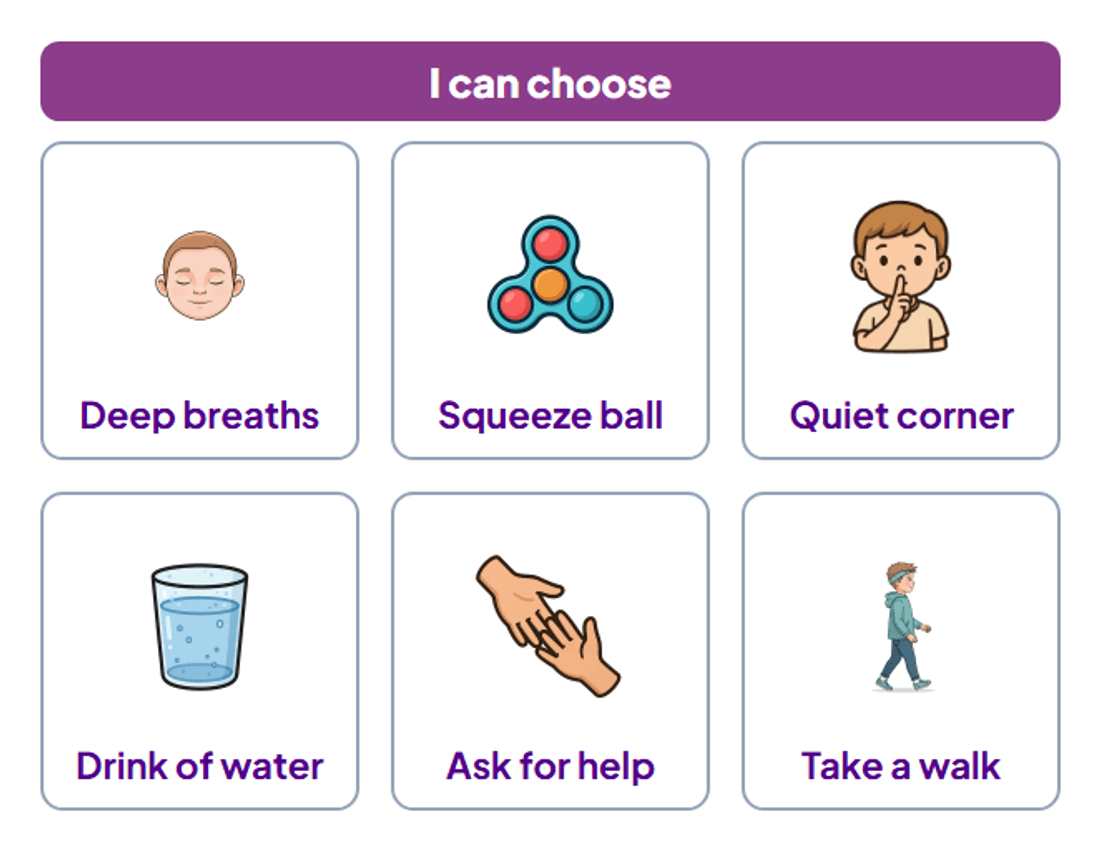
Calm Down Choices
6 choices
Six regulation options on one board, so a student who cannot generate a strategy under stress can point to one instead. Print it as it stands, or change the options to match what actually works in your classroom or at home.
See The Board →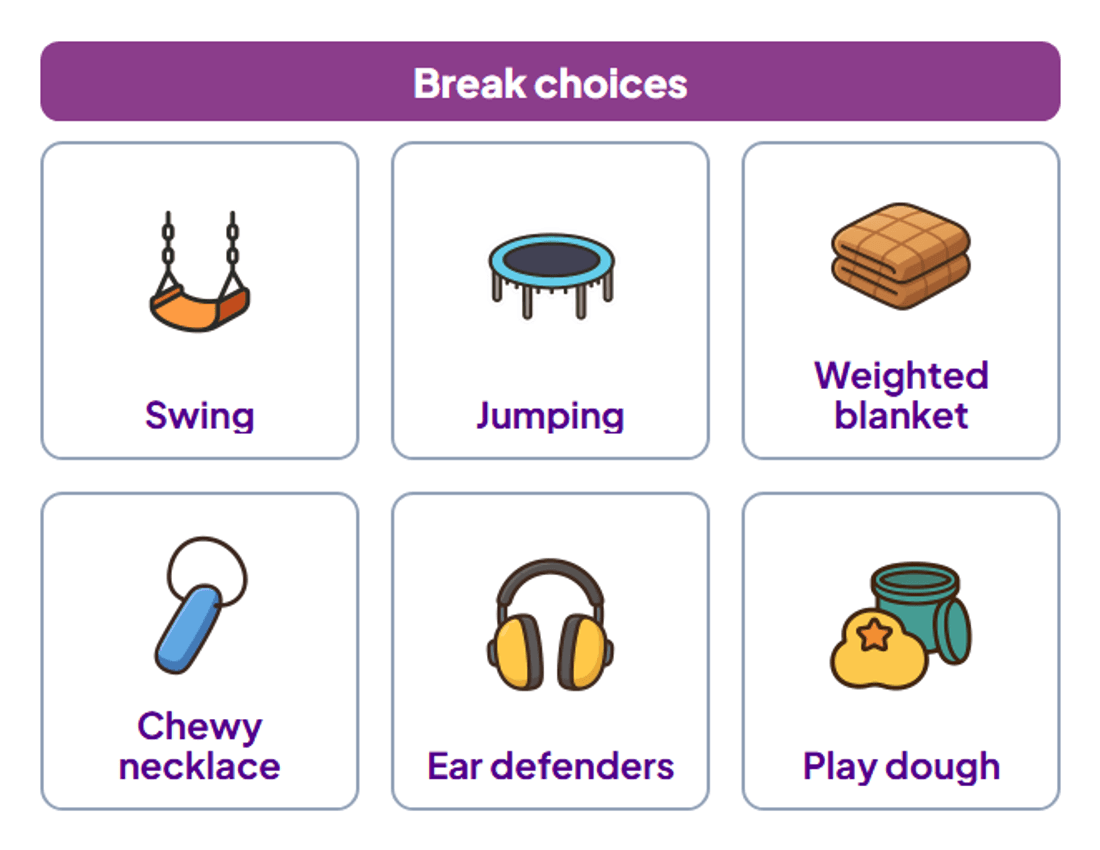
Sensory Break Choices
6 choices
Six break options covering movement, deep pressure, oral input, and quiet, so a student can say what their body needs by pointing. Swap the options for the equipment your room actually has before you print it.
See The Board →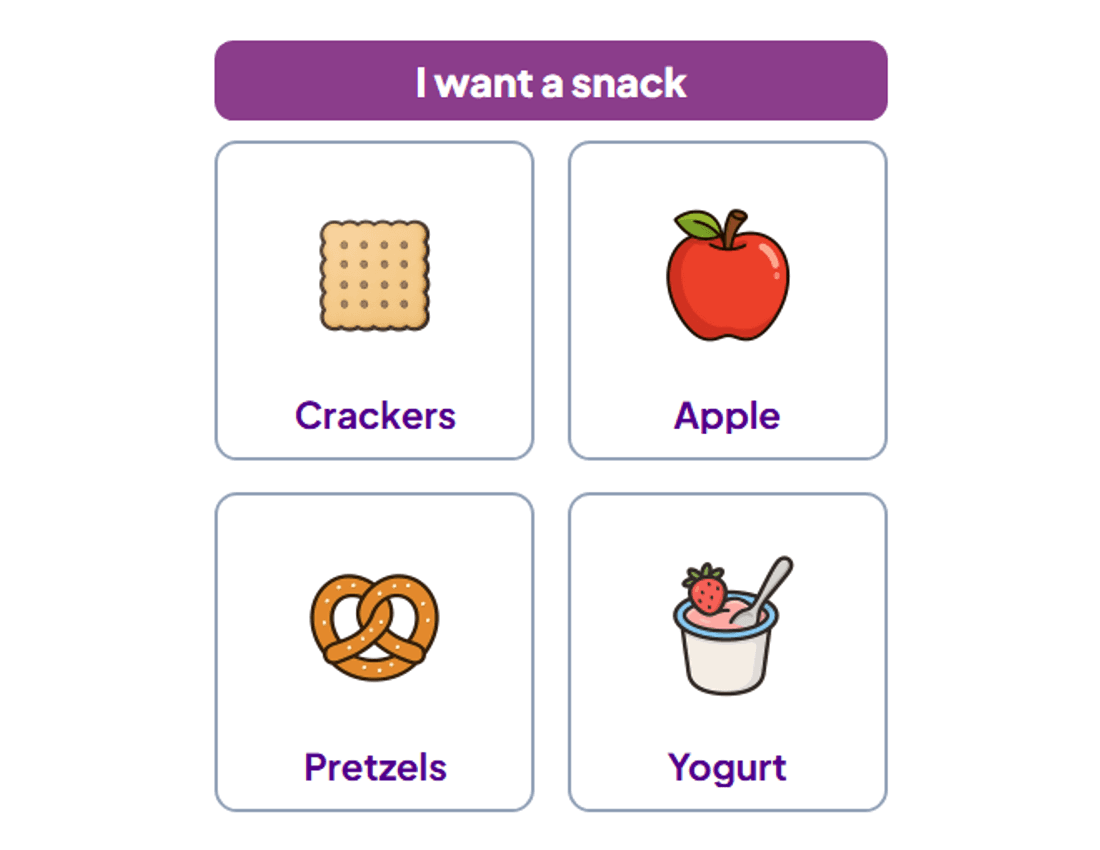
Snack Choices
4 choices
Four snack pictures a child can point to at snack time, so choosing does not depend on speech. Change the four foods to whatever is actually in the cupboard before you print it.
See The Board →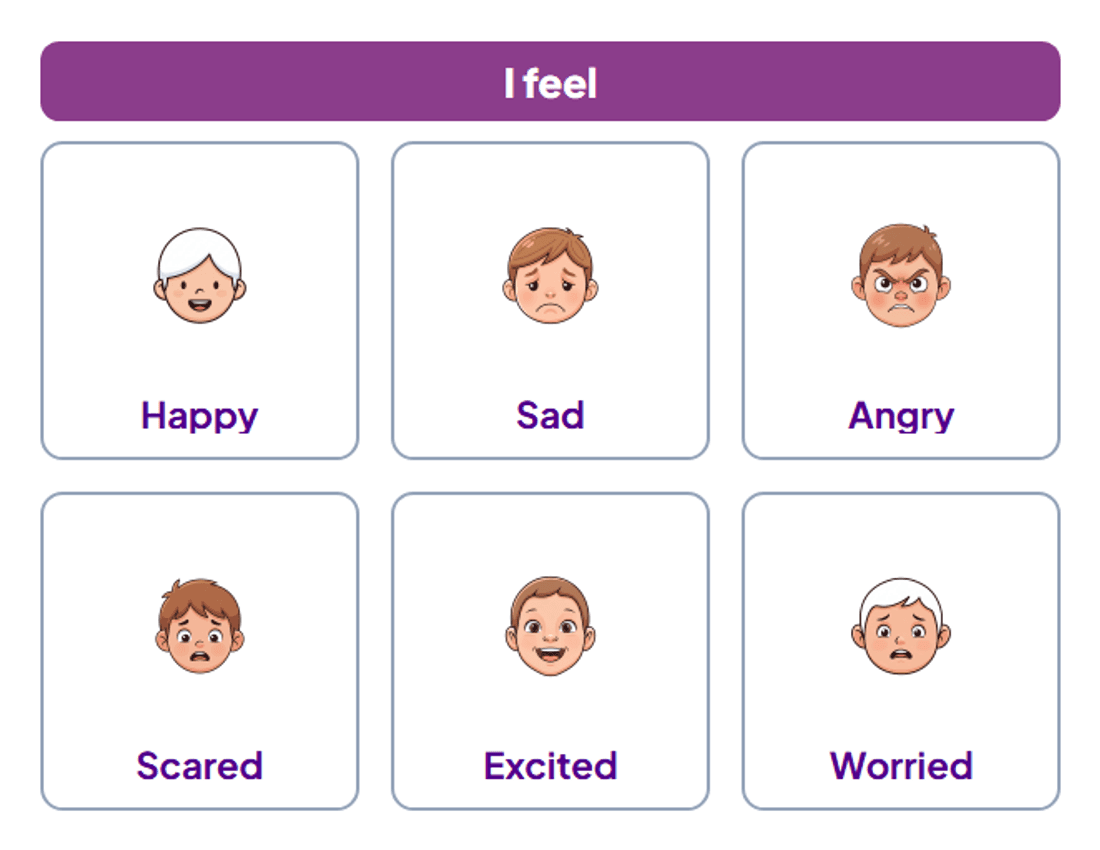
Feelings Choices
6 choices
Six emotions on one board so a student can show how they feel by pointing. Useful at check-in, after an incident, and any time a question about feelings would otherwise get no answer at all.
See The Board →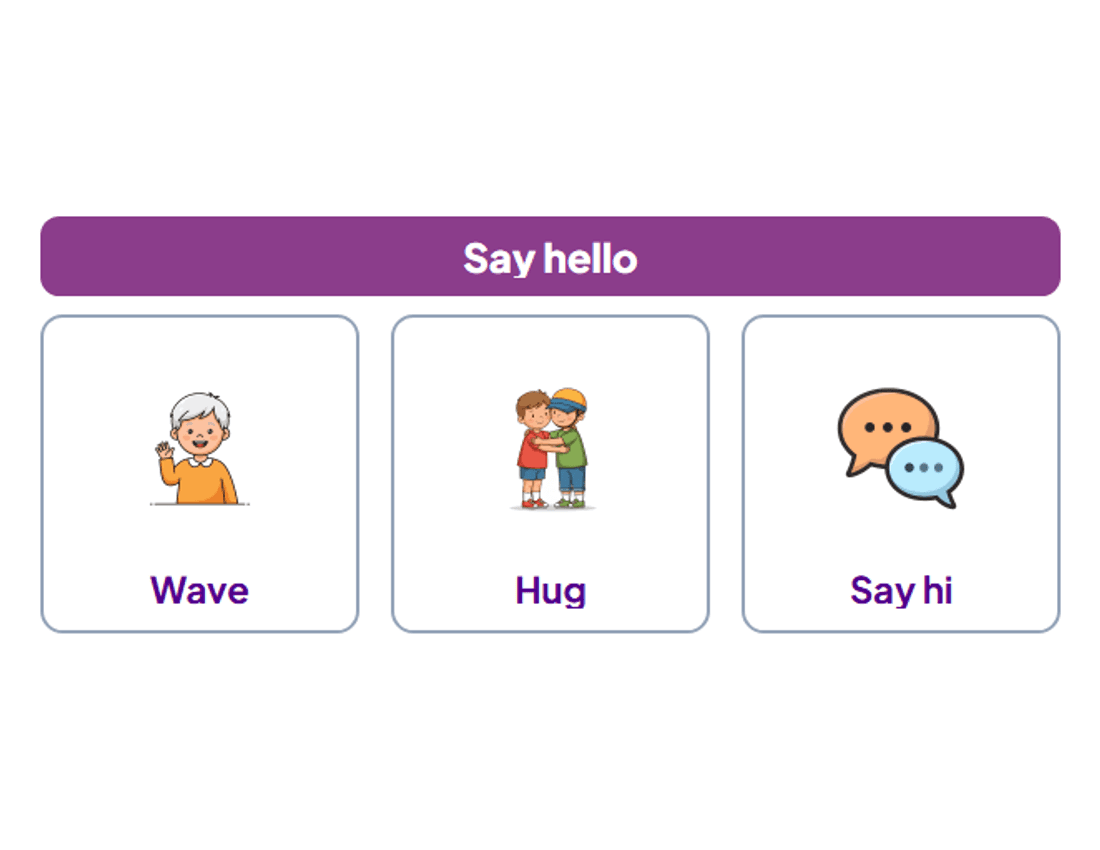
Greeting Choices
3 choices
Three ways to greet somebody, held at the door or at morning meeting, so arriving does not start with a demand the student cannot meet. Change the three options to the ones your group actually uses.
See The Board →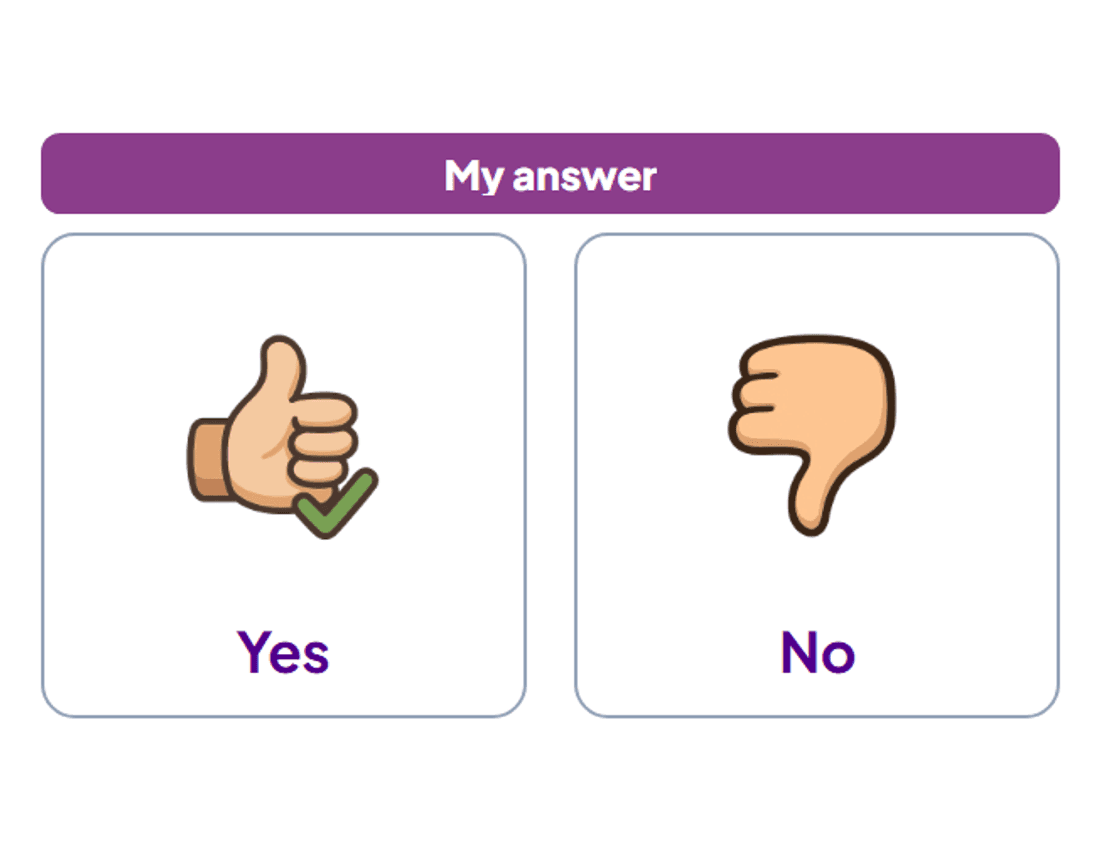
Yes or No
2 choices
Two three-inch cards, yes and no, printed large enough to read across a room. This is the board most students start on, and the one that keeps working when everything else is too much to scan.
See The Board →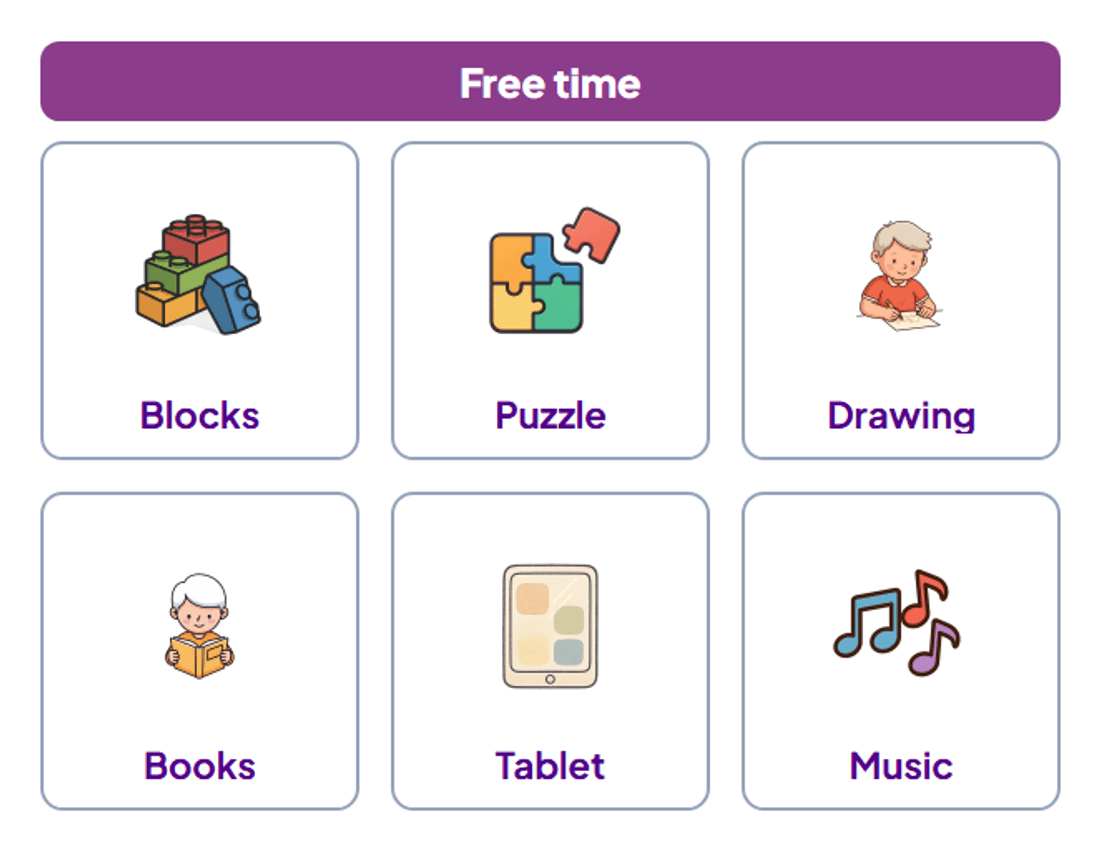
Free Time Choices
6 choices
Six activities a student can choose from during free play or centers, shown as pictures rather than asked as a question. Change the six to whatever is genuinely available in your room today.
See The Board →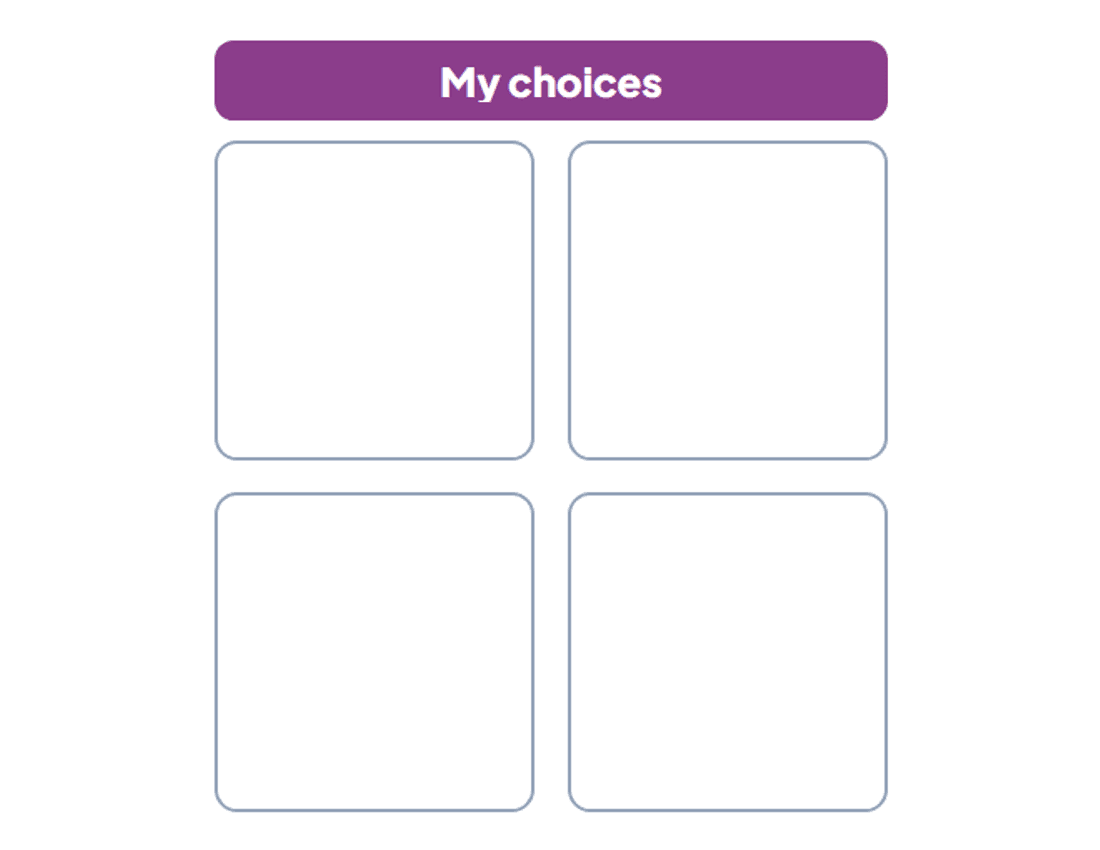
Blank Choice Board
4 choices
Four empty squares under an editable prompt. Print it as it is and write the options in by hand, or fill the cells with pictures and text on screen and print a finished board.
See The Board →How to Use These Choice Boards
- Pick the board closest to the decision your student needs to make.
- Open it in the maker and change any option that is not genuinely available. A board that offers a walk when nobody can leave the room teaches the student that the board lies.
- Print the board, the blank version, and the cut-out cards.
- Laminate everything, cut the cards out, and put the soft half of a hook-and-loop dot on each card and the hard half on the matching square of the blank board.
- Teach it while the student is settled, not in the middle of a hard moment, and honor the choice the first few dozen times so they learn that pointing works.
Seven ready-made choice boards with matching cut-out picture cards and blank Velcro boards up to 12 choices, in US Letter and A4 with a setup guide.
Frequently Asked Questions
- What is a choice board?
- A choice board is a small board showing two or more options as pictures, so a student can point to what they want instead of having to say it. It is used for free-time activities, snacks, calm-down strategies, and any moment where an open question would be too much language at once.
- Are these choice board templates free to print?
- Yes. Every template opens in the free Choice Board Maker, where you can print the board, a blank version for hook-and-loop dots, and a matching sheet of cut-out cards. There is no email required at any point.
- Can I change the pictures and the words?
- Yes, and you usually should. Open any template in the maker and swap any picture for another symbol or your own photo, rewrite the labels, change the board title, and set how many choices the student sees. The options printed on a board should be ones the adult will actually honor.
- How many choices should a board have?
- Between two and six for most students. Six suits a student who can scan a whole array and pick. Drop to four or two when scanning is itself the hard part, which is common when a student is already dysregulated. Start smaller than you think and add options once the routine is familiar.
- Do the cards work with PECS cards I already have?
- Yes. The cut-out cards print at the same true-inch sizes as the PECS cards from Spectrum Unlocked, so a card cut from one sheet lands correctly on the other board. Small is 1.5in, medium is 2in, and large is 3in.