How to Make a Bed Step by Step
How to make a bed in 6 steps, each with a real photo: clear the bed, straighten the sheet, pull up the cover, smooth it, place the pillow and check. Print it free or change any step.
Make the photos look like you: show a light or dark skin tone, then print or download the matching PDF.
- 6 steps
- Free printable PDF
- Editable in browser
Editor preview
All 6 steps with a real photo each, ready to customize before you print.
- Step 1
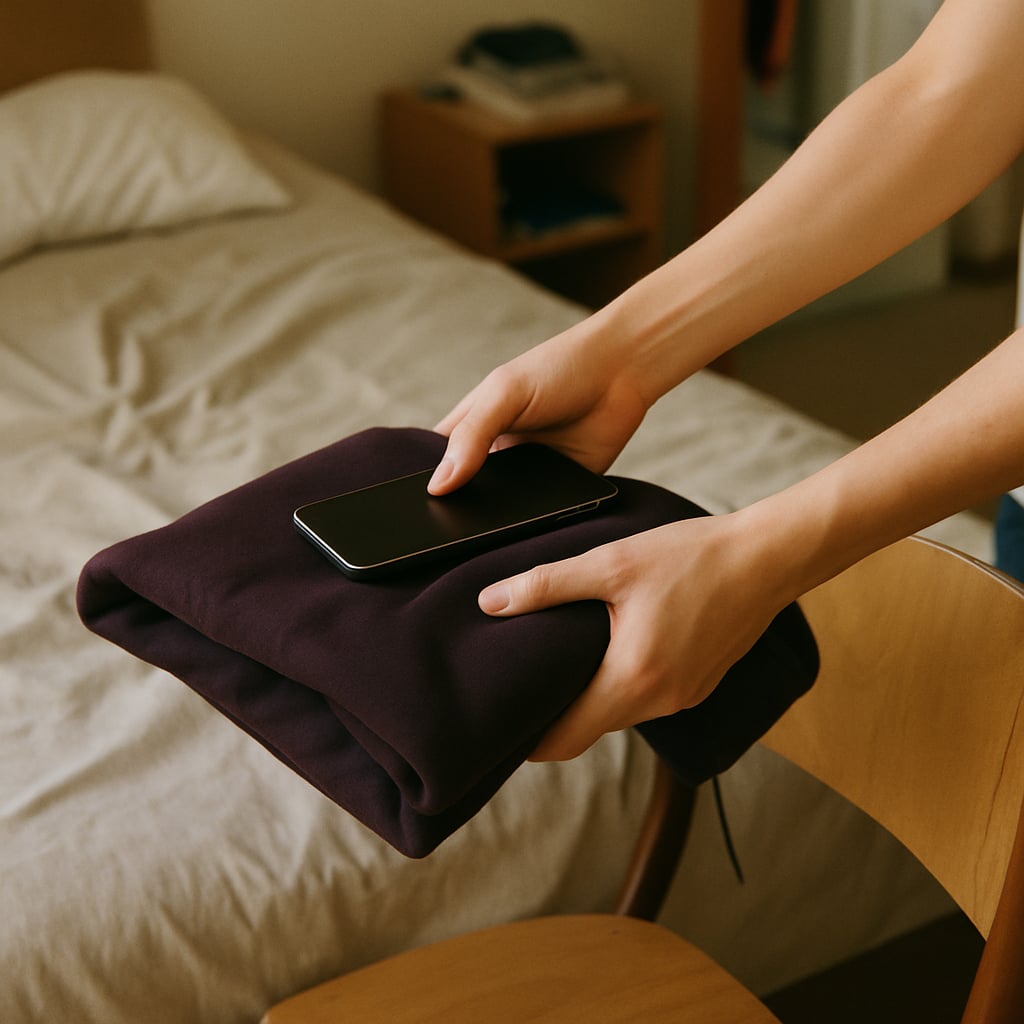 Clear the Bed
 - Step 2
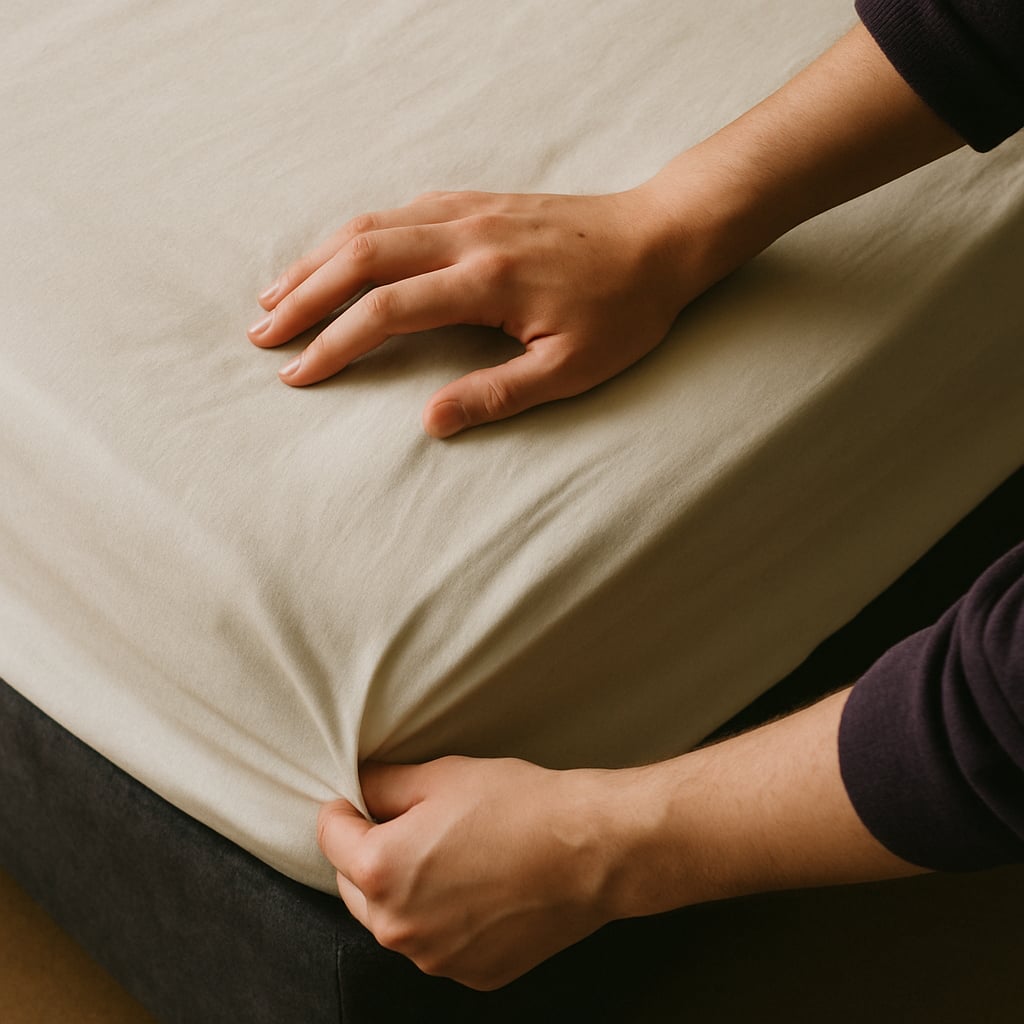 Straighten the Sheet
 - Step 3
 Pull the Cover Up
 - Step 4
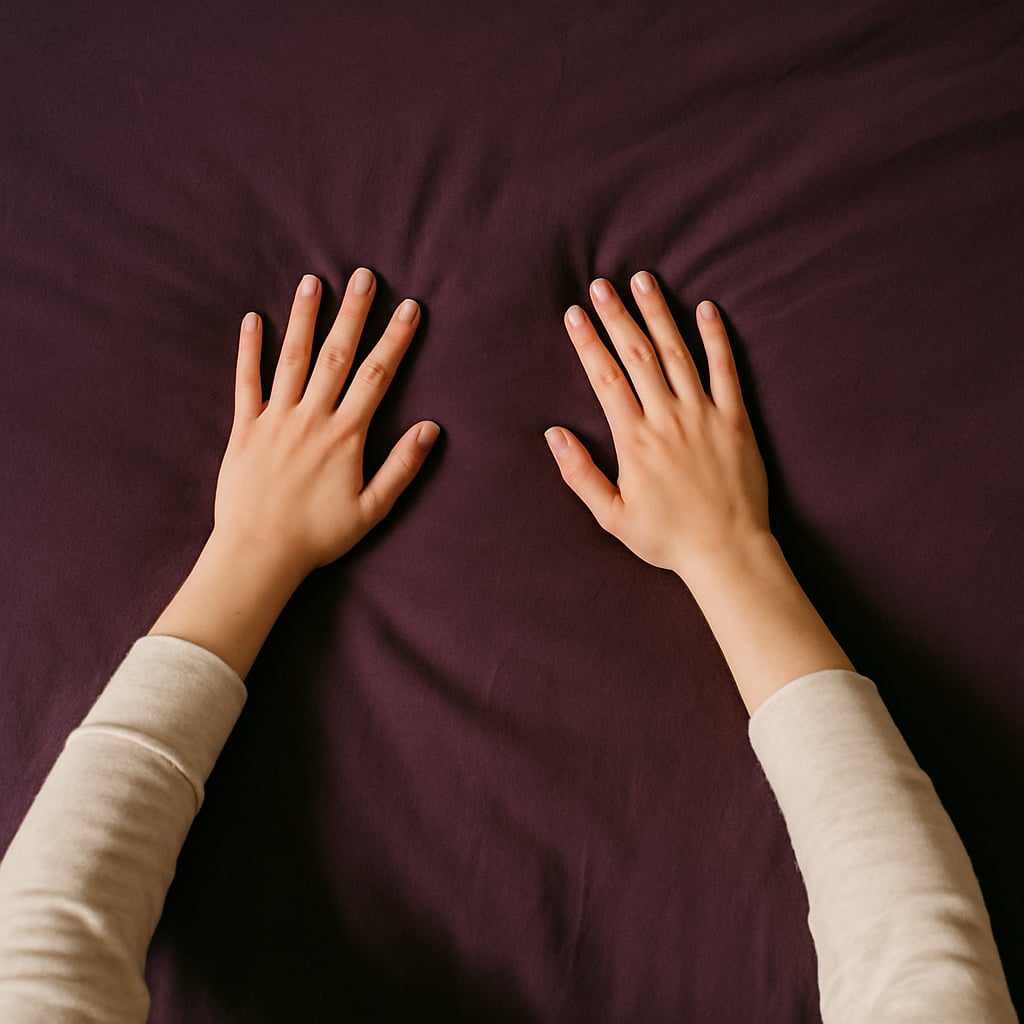 Smooth It Flat
 - Step 5
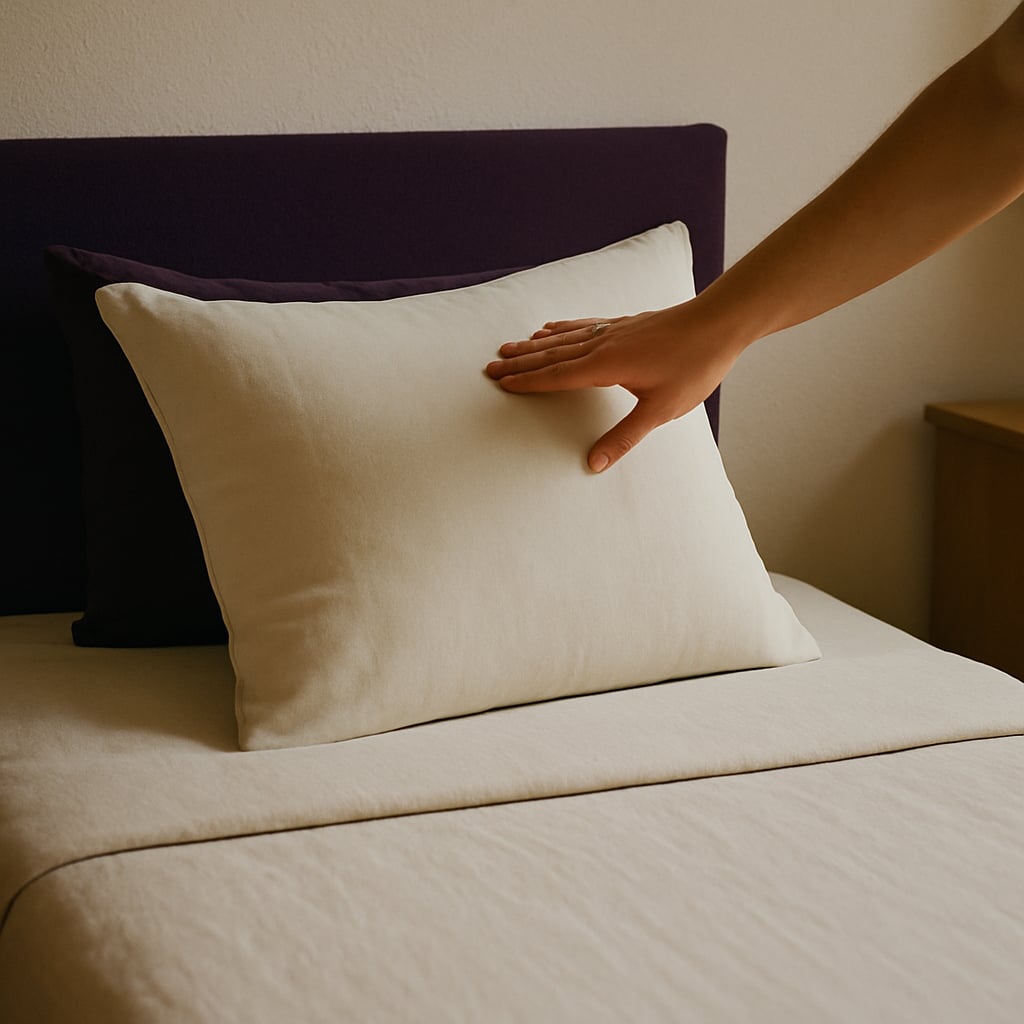 Pillow at the Head
 - Step 6
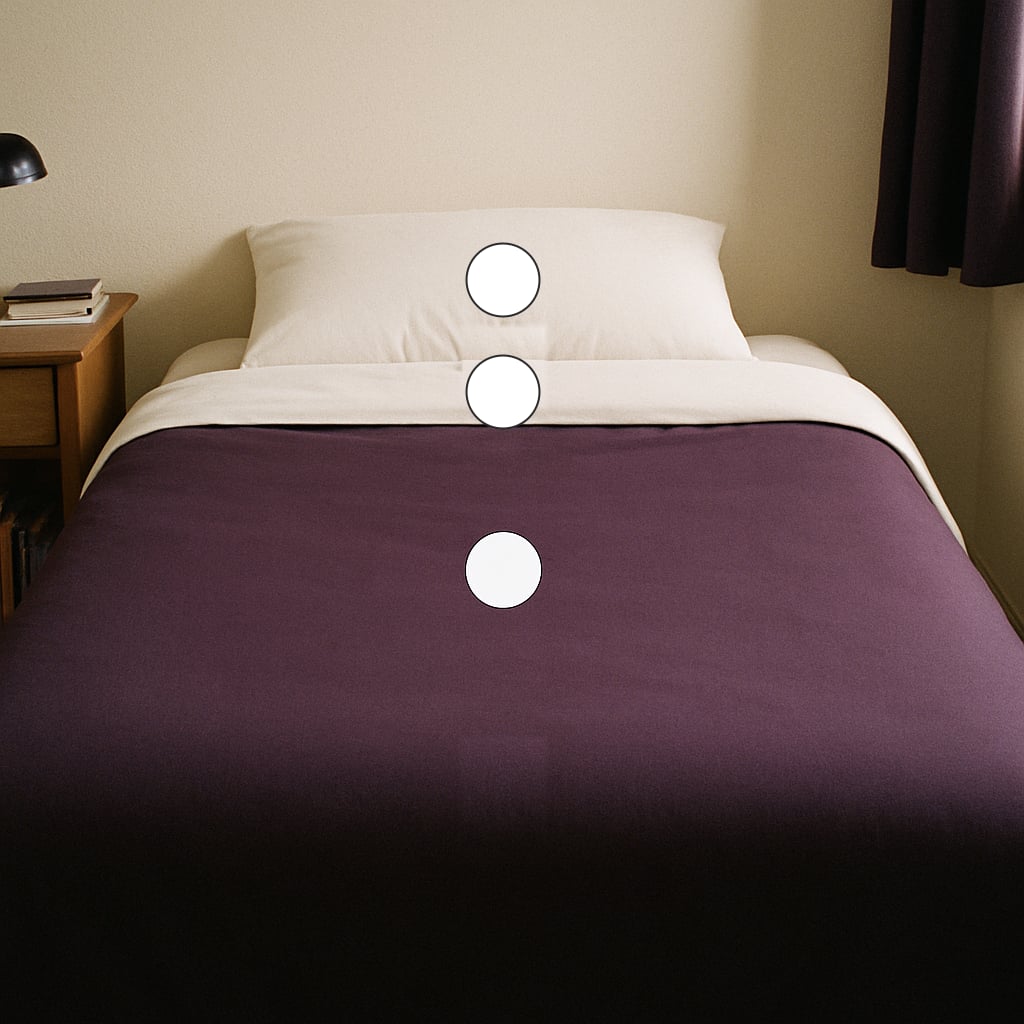 Check the Three Points
Printable preview
What the free PDF looks like once you download or print it. Every toggle above updates it.

Show the photos in a light or dark skin tone, and pick your layout, card size, page size and orientation. The preview and PDF follow your choice.
Making a bed is a short job with a clear finish, which makes it a good first routine for building independence at home. The steps here start by clearing the bed, because a phone, a book or a pile of clothes left on top is what usually stops the job before it starts.
The last step is a check of three points: the cover pulled up to the head, smooth across the middle, and even at the foot. It gives a clear picture of what done looks like, so nobody has to judge it by feel.
Each step has a real photo of an adult bed, so the page suits teens and adults in their own room, in a shared home or in a supported living setting.
Eight self-care routines as full-page visual task cards for teens, with a Did I Finish self-check strip, cut-apart sequencing cards, comprehension checks, a weekly self-monitoring tracker, wallet-size mini cards, and three difficulty levels.
When to Use This Template
Use it for a morning routine, for practice before moving out, in a supported living home, or as one task on a weekly chore chart.
How to Customize This Template
- Add a step for a top sheet or for extra blankets if your bed has them.
- For a weekly sheet change, add steps for taking the old sheets off and putting the clean ones on.
- Put it on the wall beside the bed, where you see it as you get up.
- Swap any photo for one of your own bed in the maker.
Take this further with Beacon
Build, save, and share daily schedules in Beacon. Adjust them as the routine changes.
Frequently Asked Questions
- What are the steps to make a bed?
- Clear everything off the bed, straighten the bottom sheet, pull the cover up to the head, smooth it flat, put the pillow at the head, then check that it looks even from the head to the foot.
- Is this a task analysis for making a bed?
- Yes. It breaks the job into small steps in order, so each one can be taught and checked on its own. Print it as a checklist to record the steps done without help.
- Who is this printable for?
- Autistic and ADHD teens and adults, and anyone building independent living skills. The photos show an adult bedroom rather than drawings made for young children.
- Can I add it to a chore chart?
- Yes. The chore chart for adults lists Make the Bed as one of its chores, and this page shows the steps behind it.
- Can I change the photos to look like me?
- Yes. Use the Skin tone toggle to show the photos in a light or dark skin tone. The preview, the printable and the PDF all match. In the maker you can also swap any photo for one of your own.
Related Templates
Chore Chart for Adults
A weekly chore chart with a real photo for each chore and a box for every day.
How to Do Laundry Step by Step
Laundry from sorting to putting away, in 12 photo steps.
Daily Routine Chart for Adults
The whole day on one chart, morning to night, with a photo and a time for each part.