Shower Visual Schedule
A shower in 6 steps, each with a real photo: get the towel and clothes ready, water on, hair, soap, rinse, dry and dress. Print it free for the bathroom or change any step.
Make the photos look like you: show a light or dark skin tone, then print or download the matching PDF.
- 6 steps
- Free printable PDF
- Editable in browser
Editor preview
All 6 steps with a real photo each, ready to customize before you print.
- Step 1
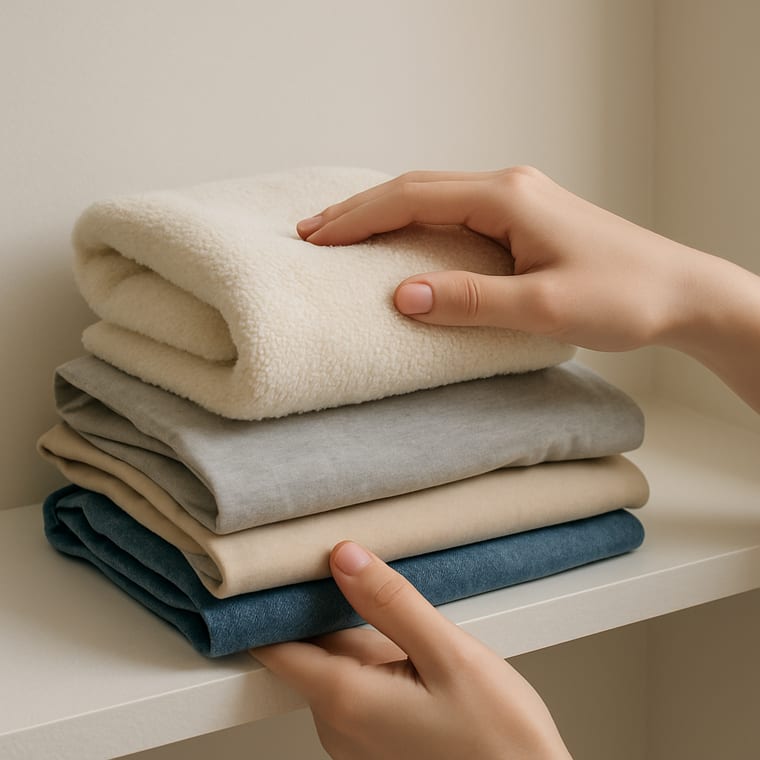 Towel and Clothes Ready
 - Step 2
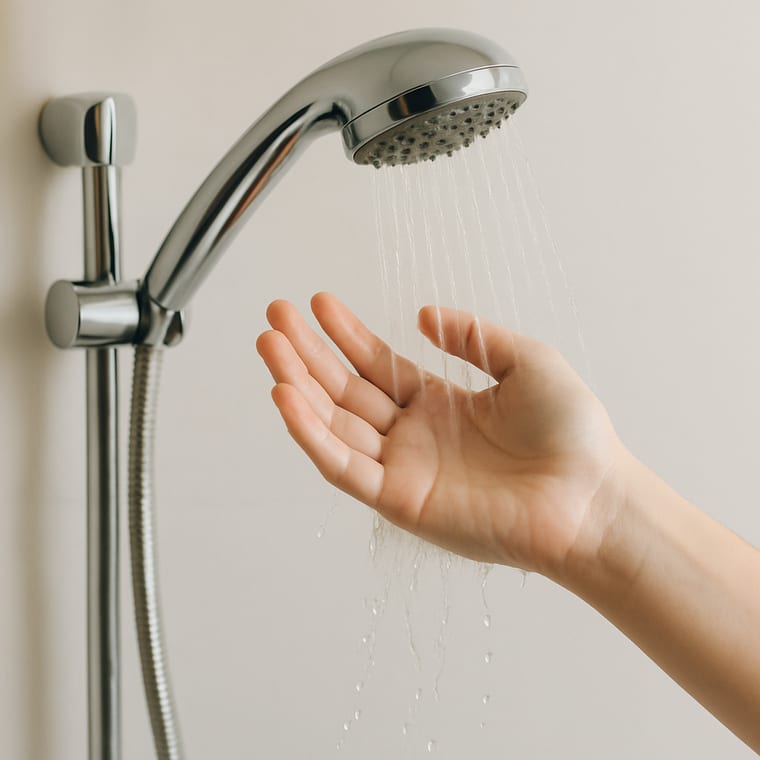 Turn On the Water
 - Step 3
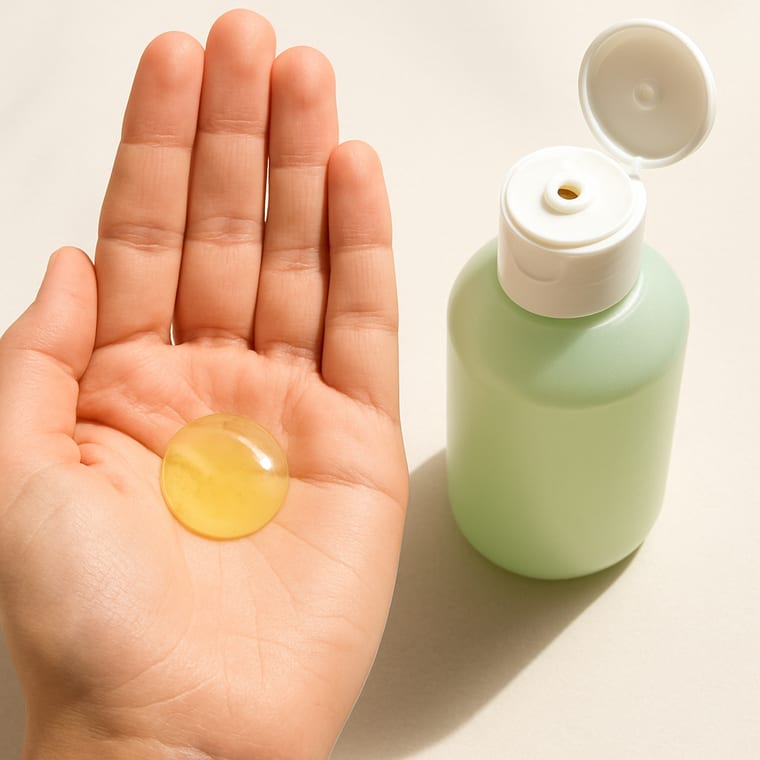 Wash Your Hair
 - Step 4
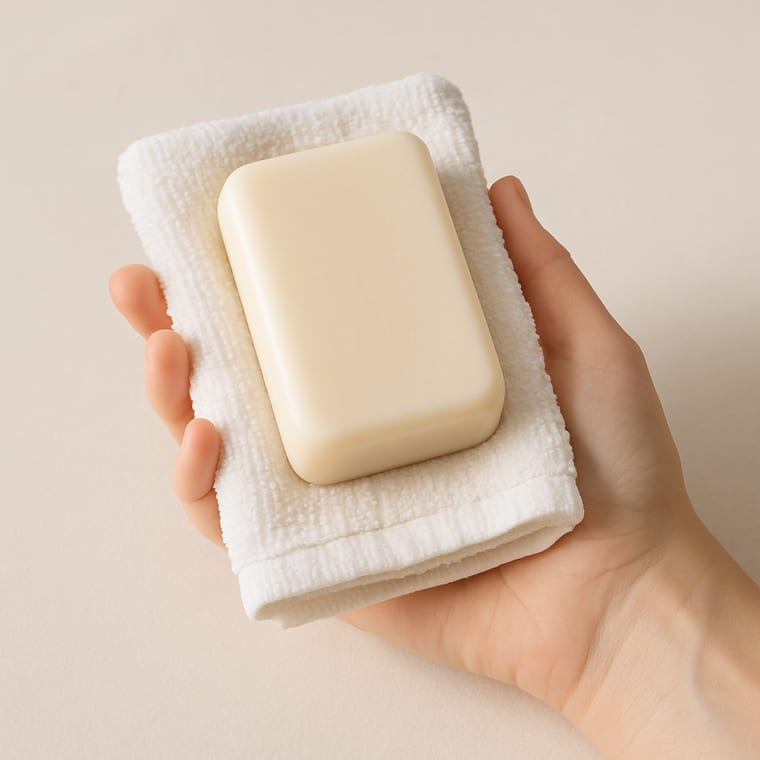 Soap Top to Bottom
 - Step 5
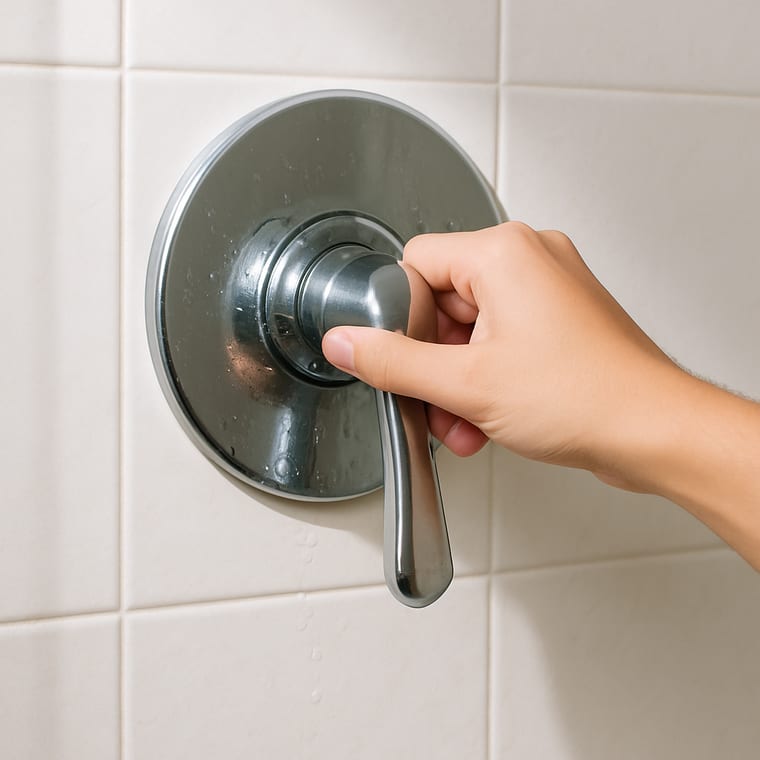 Rinse Off
 - Step 6
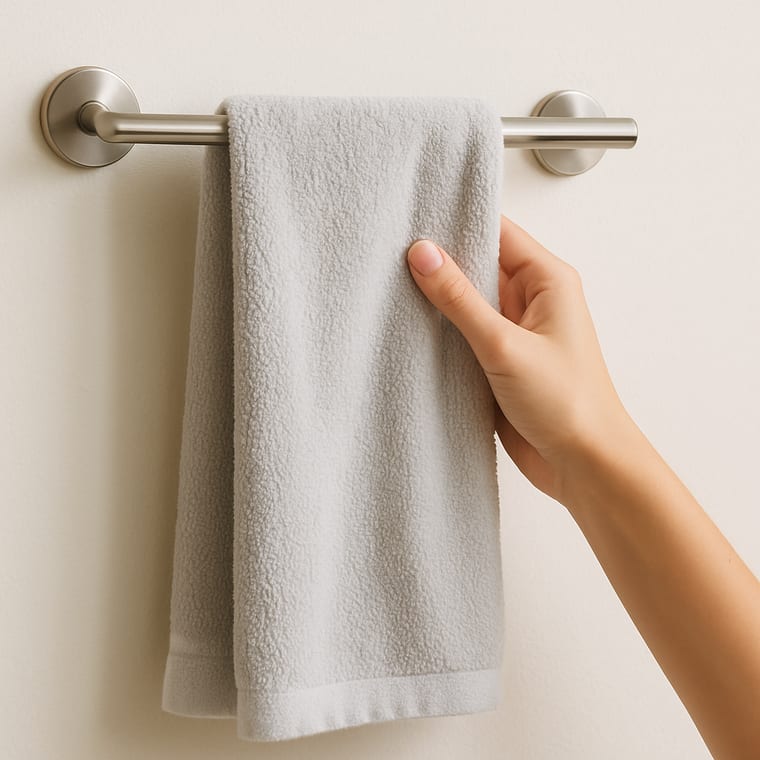 Dry Off and Get Dressed
Printable preview
What the free PDF looks like once you download or print it. Every toggle above updates it.

Show the photos in a light or dark skin tone, and pick your layout, card size, page size and orientation. The preview and PDF follow your choice.
A shower has more steps than it seems, and some of them are easy to lose once the water is running: the shampoo gets rinsed before it is used, or the soap never reaches the feet. A visual schedule keeps the order in front of you.
The first step happens before the water goes on. Putting the towel and clean clothes within reach means no dripping walk across the house, which is often the part that makes a shower feel like too much.
Each step has a real photo, shot for teens and adults. For a waterproof copy, slip the printed sheet into a sheet protector or laminate it and stick it outside the shower.
Eight self-care routines as full-page visual task cards for teens, with a Did I Finish self-check strip, cut-apart sequencing cards, comprehension checks, a weekly self-monitoring tracker, wallet-size mini cards, and three difficulty levels.
When to Use This Template
Use it when showers get skipped or rushed, when someone is learning to shower without reminders, or as a picture prompt a support worker can point to instead of talking through every step.
How to Customize This Template
- Add conditioner, shaving or a face wash step where it fits in your own routine.
- If the water temperature is hard to judge, add a step to check it with your hand first.
- Laminate the printed sheet or keep it in a sheet protector so steam and splashes do not ruin it.
- Swap any photo for one of your own shower in the maker.
Take this further with Beacon
Build, save, and share daily schedules in Beacon. Adjust them as the routine changes.
Frequently Asked Questions
- What steps go on a shower visual schedule?
- Get the towel and clothes ready, turn on the water, wash your hair, soap from top to bottom, rinse off, then dry and get dressed. Add any step that is part of your own routine, such as conditioner or shaving.
- Where should I put a shower schedule?
- Just outside the shower or on the bathroom wall at eye height. Laminate it or use a sheet protector so it survives the steam.
- Is a shower routine checklist the same thing?
- Close to it. Switch the Layout toggle to Checklist and each step gets a tick box, which works well for tracking the routine day by day.
- Can I make it match my own bathroom?
- Yes. Open it in the maker and swap any photo for one of your own, or change the words on any step.
- Can I change the photos to look like me?
- Yes. Use the Skin tone toggle to show the photos in a light or dark skin tone. The preview, the printable and the PDF all match. In the maker you can also swap any photo for one of your own.