Hand Washing Task Analysis
Hand washing broken into 6 small steps, each with a real photo of an adult's hands: wet, soap, scrub, rinse, dry. Print it free for the sink or change any step.
Make the photos look like you: show a light or dark skin tone, then print or download the matching PDF.
- 6 steps
- Free printable PDF
- Editable in browser
Editor preview
All 6 steps with a real photo each, ready to customize before you print.
- Step 1
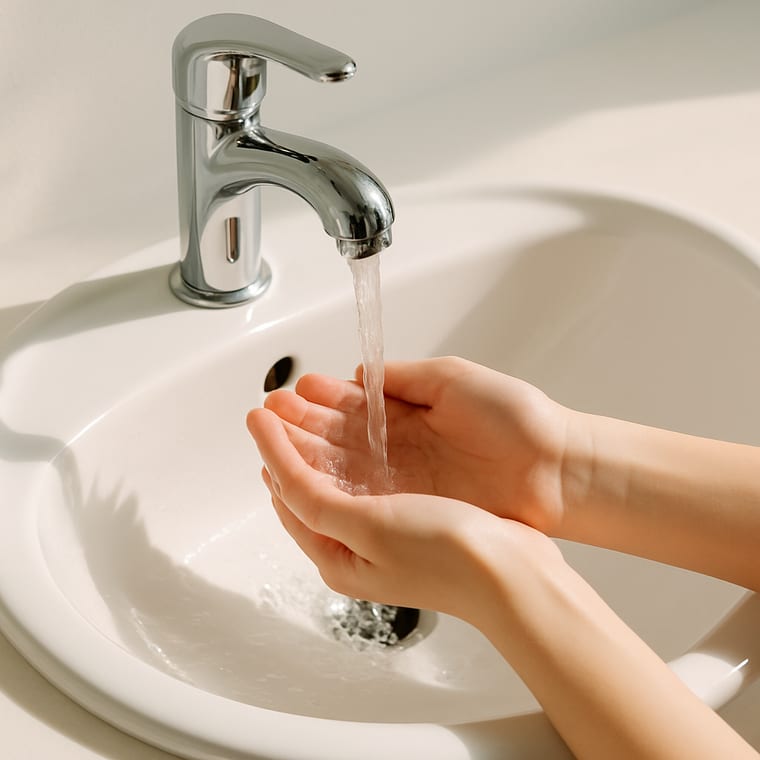 Wet Your Hands
 - Step 2
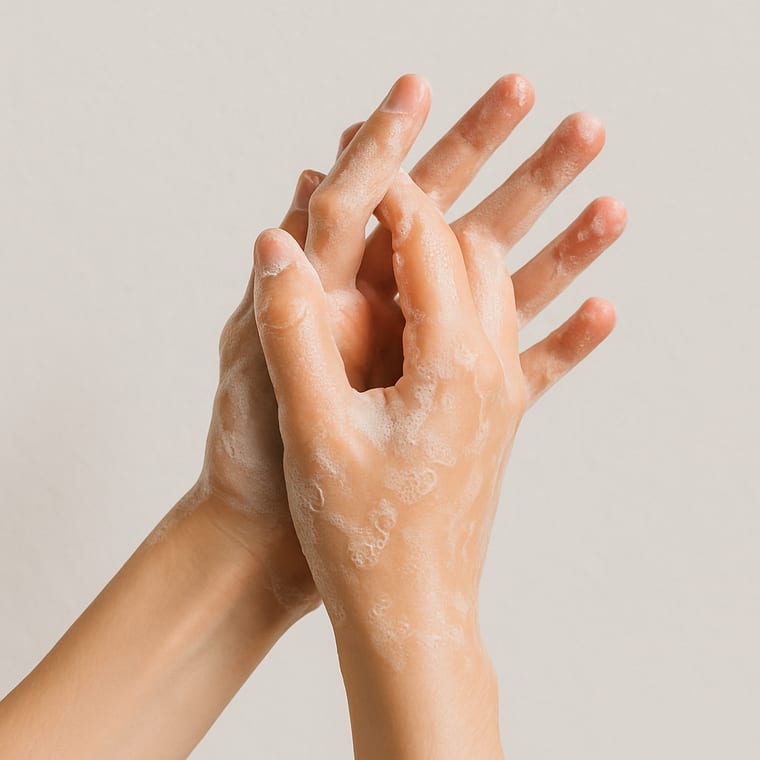 Add Soap
 - Step 3
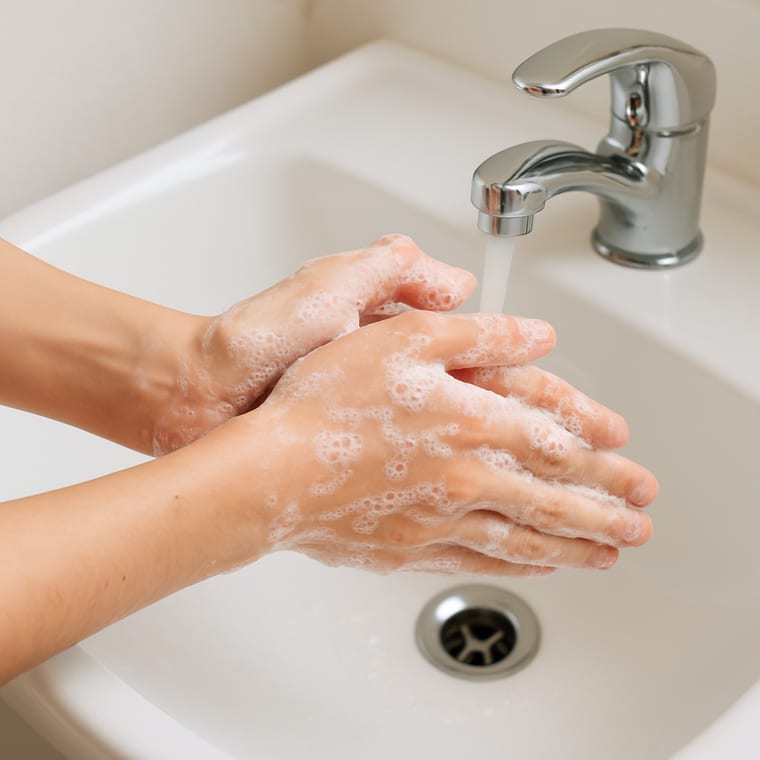 Scrub for 20 Seconds
 - Step 4
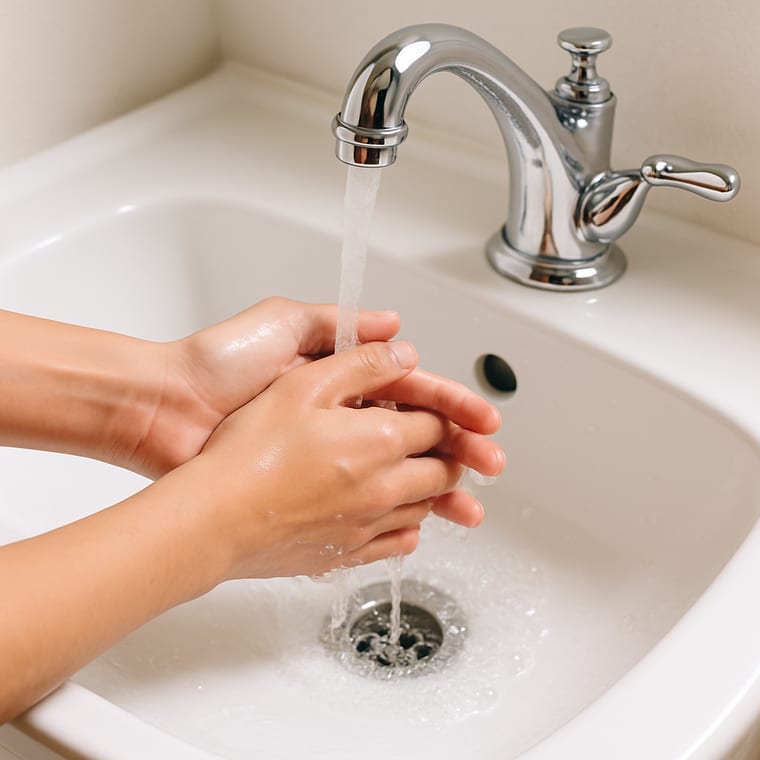 Rinse
Rinse - Step 5
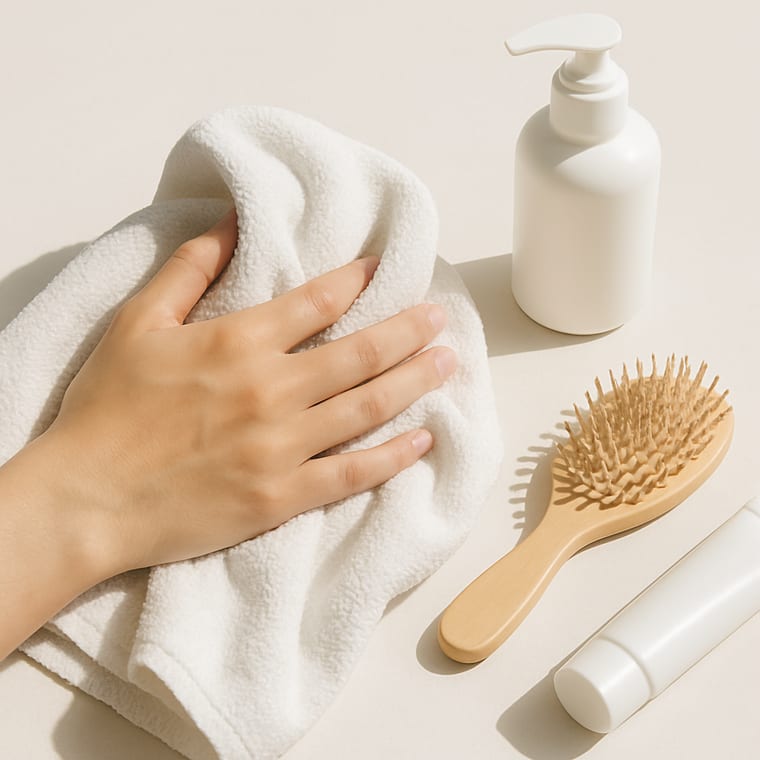 Dry With a Clean Towel
 - Step 6
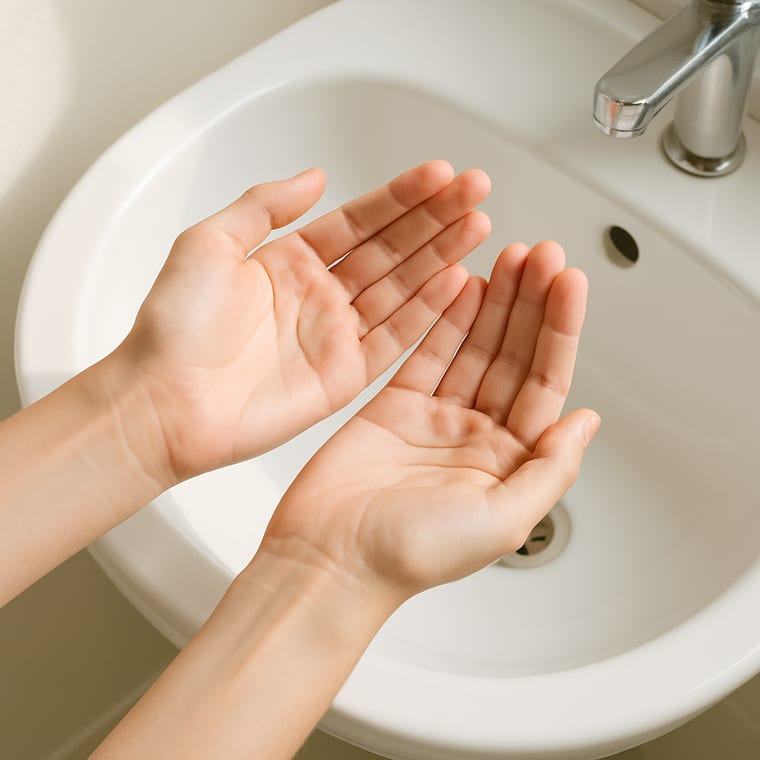 Done
Done
Printable preview
What the free PDF looks like once you download or print it. Every toggle above updates it.

Show the photos in a light or dark skin tone, and pick your layout, card size, page size and orientation. The preview and PDF follow your choice.
Hand washing is quick, which is exactly why steps get dropped: the soap is skipped, the scrub is cut short, or wet hands get wiped on clothes. A task analysis lists every step in order so nothing in the middle disappears.
The steps follow the standard handwashing method: wet, lather, scrub, rinse and dry. Scrubbing should last at least 20 seconds, so the scrub step names the time. Drying gets its own step because germs spread more easily from wet hands.
Each photo shows an adult's hands at a real sink, so the page suits teens and adults at home, at work or in a day program.
Post the cards beside the sink at eye height, or print the checklist to record which steps are done without a reminder.
Eight self-care routines as full-page visual task cards for teens, with a Did I Finish self-check strip, cut-apart sequencing cards, comprehension checks, a weekly self-monitoring tracker, wallet-size mini cards, and three difficulty levels.
When to Use This Template
Use it after the toilet, before cooking or eating, in a food service or job training program, or anywhere a support worker is teaching the routine one step at a time.
How to Customize This Template
- Add a first step for turning on the tap if it is hard to reach or work.
- Change Dry With a Clean Towel to name a paper towel or an air dryer at work.
- Print a second copy for a work or day program sink so the steps are the same in both places.
- Swap any photo for one of your own sink and soap in the maker.
Take this further with Beacon
Build, save, and share daily schedules in Beacon. Adjust them as the routine changes.
Frequently Asked Questions
- What are the steps of a hand washing task analysis?
- Wet your hands, add soap, scrub every part of both hands for 20 seconds, rinse, then dry with a clean towel. Each step is taught and checked on its own until the whole routine is done without reminders.
- How long should you scrub your hands?
- At least 20 seconds. Humming Happy Birthday twice, counting slowly or using a sand timer makes the time easy to follow.
- Is this different from the kids' hand washing schedule?
- The steps match, but these photos show adult hands at an adult sink, and the page is written for teens and adults. The kids' visual schedule uses drawings made for young children.
- Can I record progress with this?
- Yes. Print it as a checklist and mark each step as done alone, with a reminder, or not yet. Fade reminders one step at a time.
- Can I change the photos to look like me?
- Yes. Use the Skin tone toggle to show the photos in a light or dark skin tone. The preview, the printable and the PDF all match. In the maker you can also swap any photo for one of your own.