Picture Grocery List
A grocery list with a real photo of each item and a box to tick as it goes in the cart. Print it free, or add your own items in the maker.
- 12 items
- Free printable PDF
- Editable in browser
Editor preview
All 12 steps with a real photo each, ready to customize before you print.
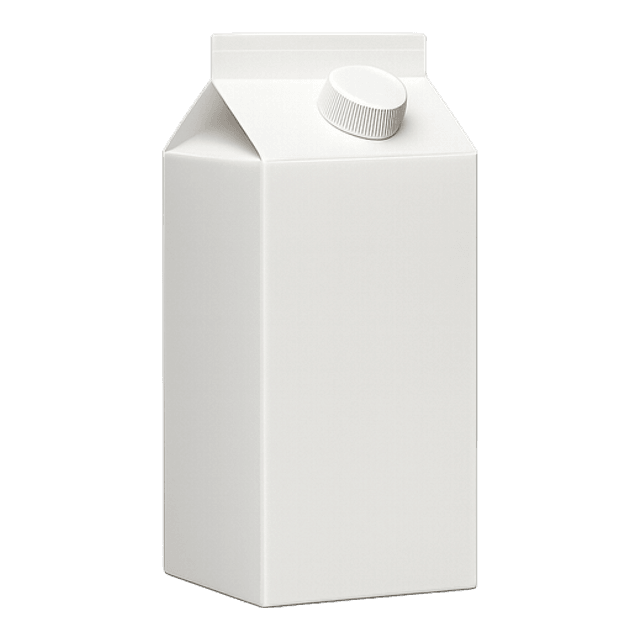 Milk
Milk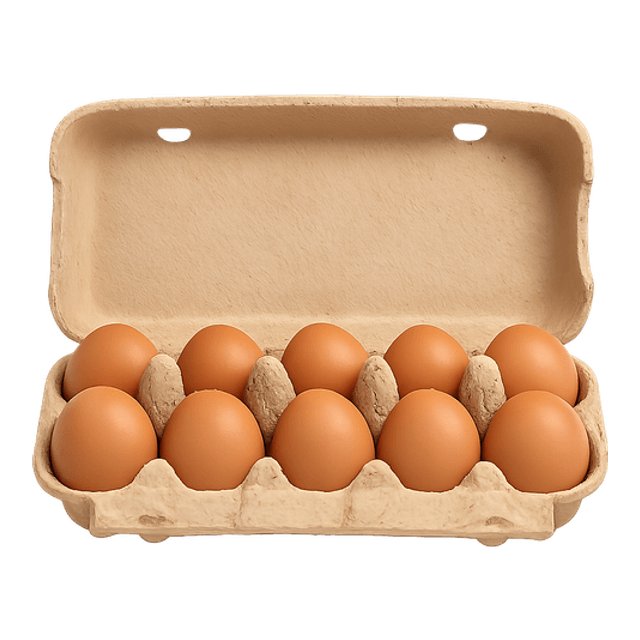 Eggs
Eggs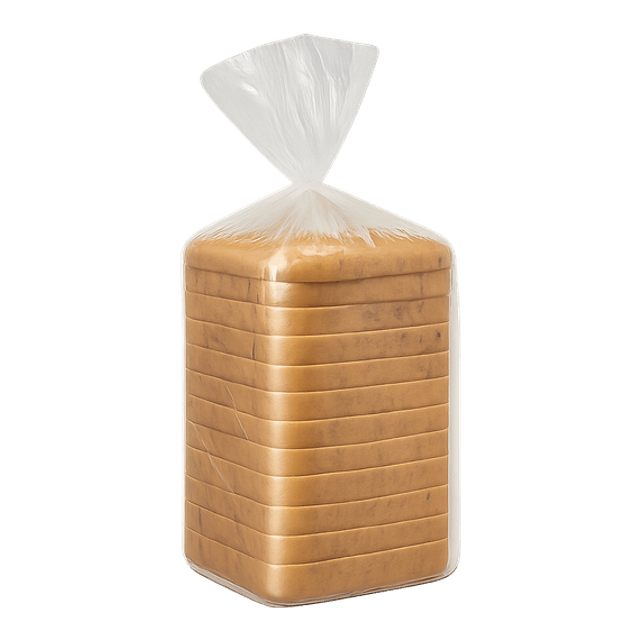 Bread
Bread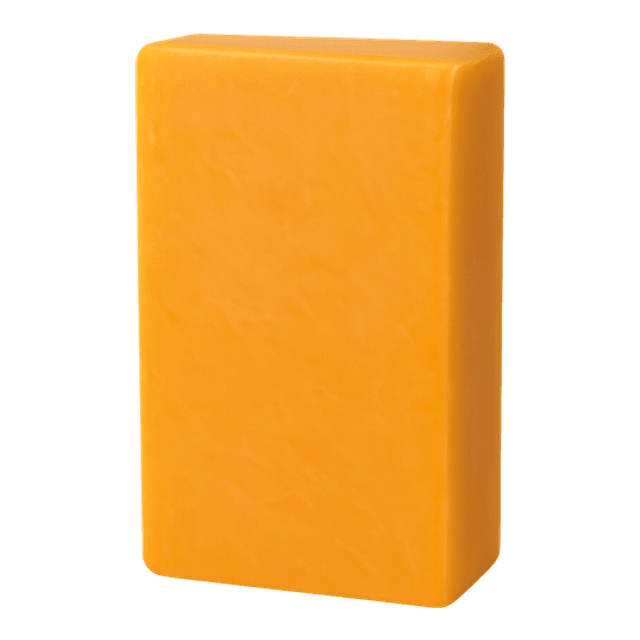 Cheese
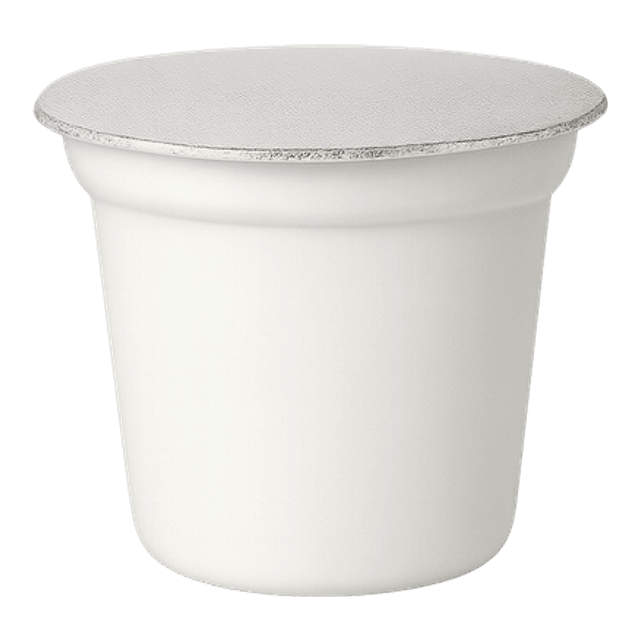 Yogurt
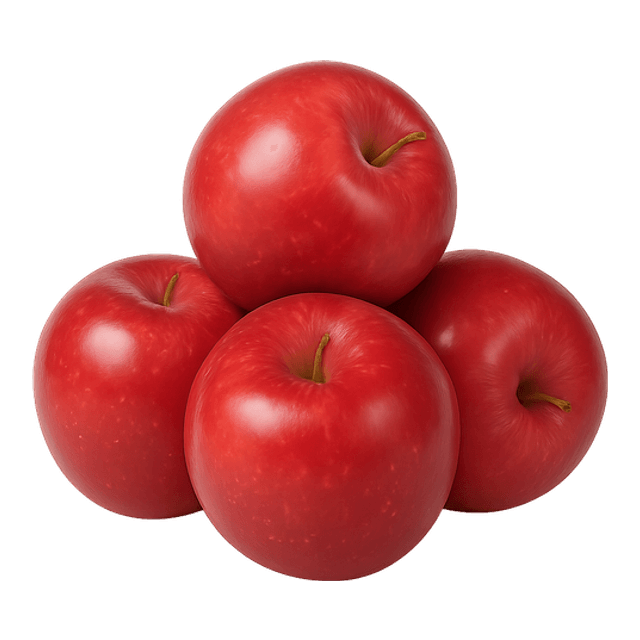 Apples
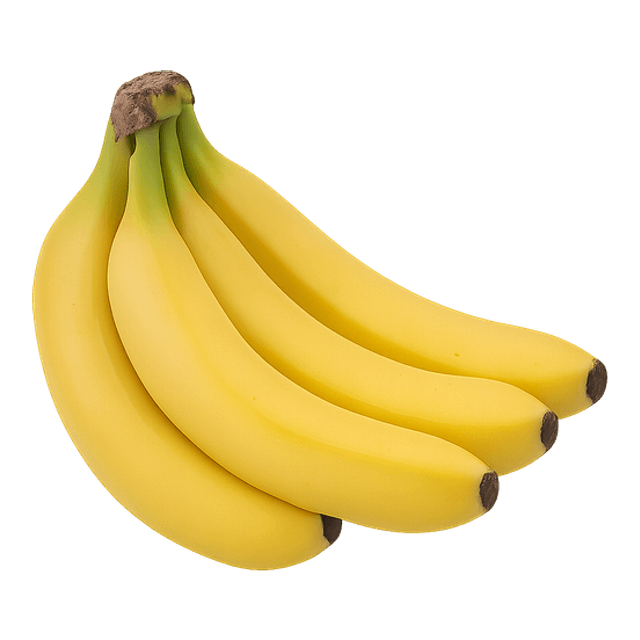 Bananas
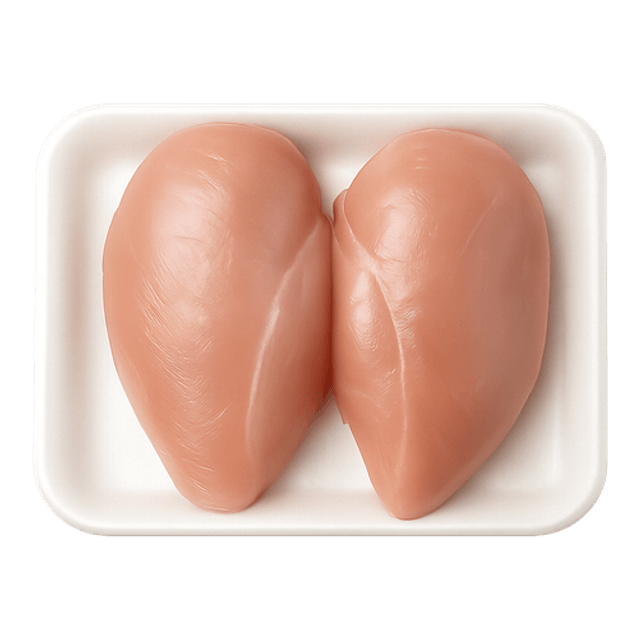 Chicken
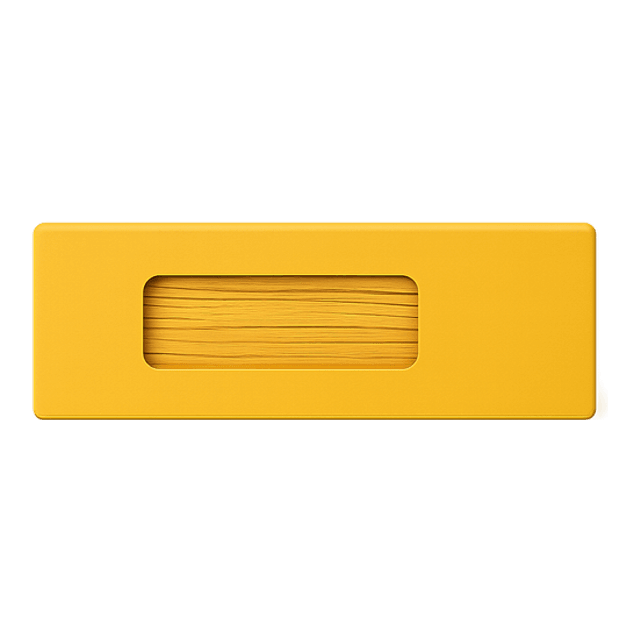 Pasta
Pasta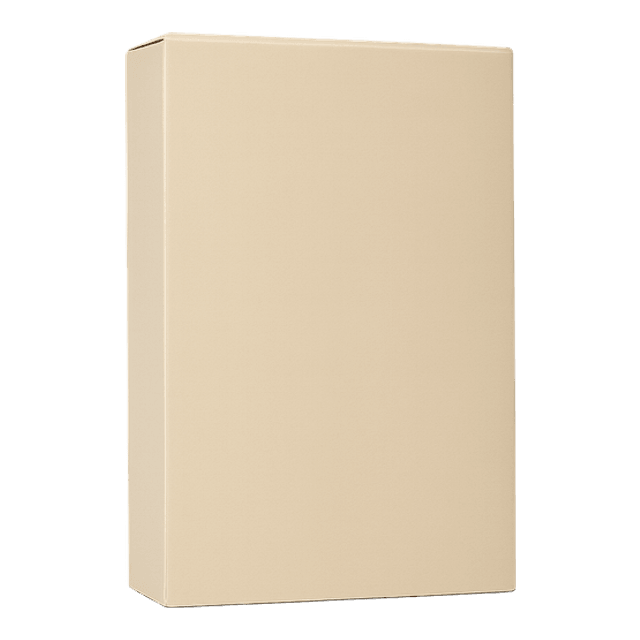 Cereal
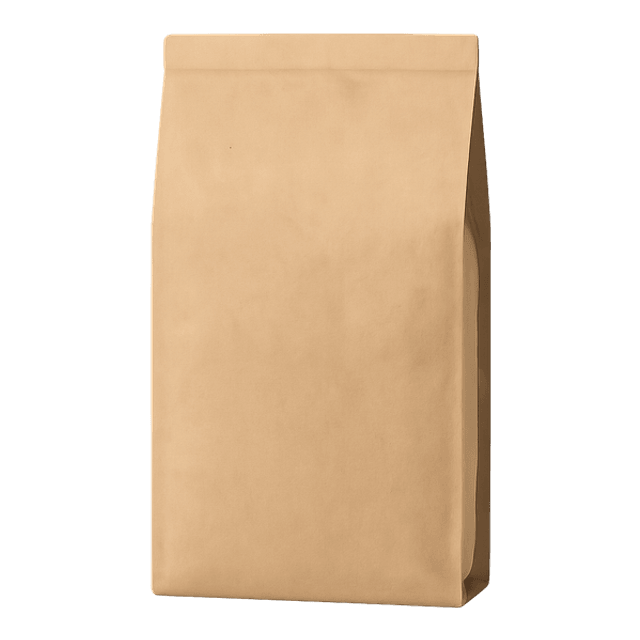 Coffee
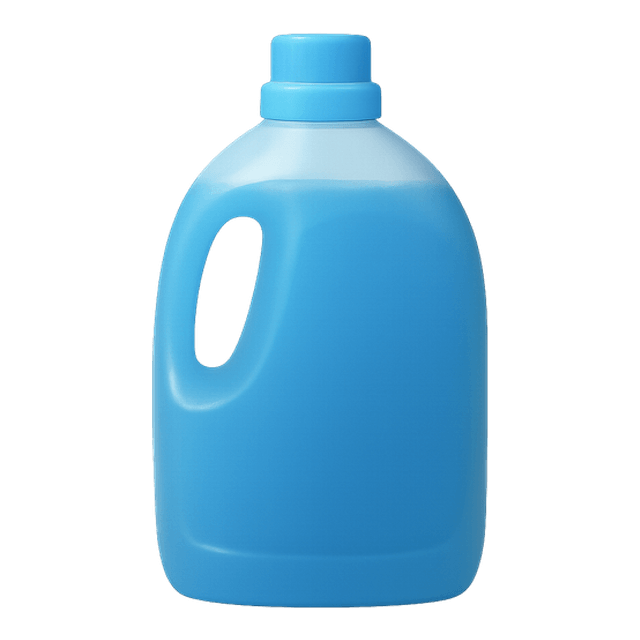 Laundry Soap
Printable preview
What the free PDF looks like once you download or print it. Every toggle above updates it.
Page 1 of 2. The PDF includes every step.

Pick your layout, card size, page size, and orientation. On the checklist layout you can also turn numbers, times, checkboxes, and icons on or off. The preview and PDF follow your choice.
A picture grocery list shows each item as a photo, the way it looks on the shelf. That helps when reading is slow, when the store is busy and loud, or when a written word like yogurt does not say which tub to look for.
Each row has a tick box, so the list doubles as a checklist in the store: find it, put it in the cart, tick it. Nothing gets bought twice and nothing gets forgotten on the way home.
The list starts with a week's staples. Open it in the maker to take off what you do not need and add your own items from the photo gallery, or upload a photo of the exact brand you buy.
Eight self-care routines as full-page visual task cards for teens, with a Did I Finish self-check strip, cut-apart sequencing cards, comprehension checks, a weekly self-monitoring tracker, wallet-size mini cards, and three difficulty levels.
When to Use This Template
Use it for a weekly shop, for community outings with a support worker, for teaching shopping skills, or as the list a household fills in on the fridge during the week.
How to Customize This Template
- Take a photo of the exact brand you buy and upload it in the maker, so the picture matches the shelf.
- Put the items in the order of your store's aisles to save walking back and forth.
- Keep a copy on the fridge and tick what runs out during the week, then take that list to the store.
- Add a price column on the back for budgeting practice.
Take this further with Beacon
Build, save, and share daily schedules in Beacon. Adjust them as the routine changes.
Frequently Asked Questions
- What is a picture grocery list?
- A shopping list where each item is shown as a photo with its name, often with a box to tick. It helps anyone who finds a photo faster to read than a word, including autistic adults and people with intellectual disability.
- Can I add my own items?
- Yes. Open the list in the maker, pick items from the photo gallery or upload your own photo, and print the new list.
- How do I use it in the store?
- Take the printed list or a photo of it on your phone. Find each item, put it in the cart and tick its box. Anything not ticked at the end is still to find.
- Is there a version for practicing money skills?
- The Grocery Store Math pack uses the same item photos with prices, budgets and receipts for practice.