Picture Recipes
Free picture recipes with a real photo for every step, for autistic teens and adults learning to cook. Pick one of 3 free recipes, print it, or change any step in the maker.
Make the photos look like you: show a light or dark skin tone, then print or download the matching PDF.
- 3 recipes
- Free printable PDF
- Editable in browser
Editor preview
All 6 steps with a real photo each, ready to customize before you print.
- Step 1
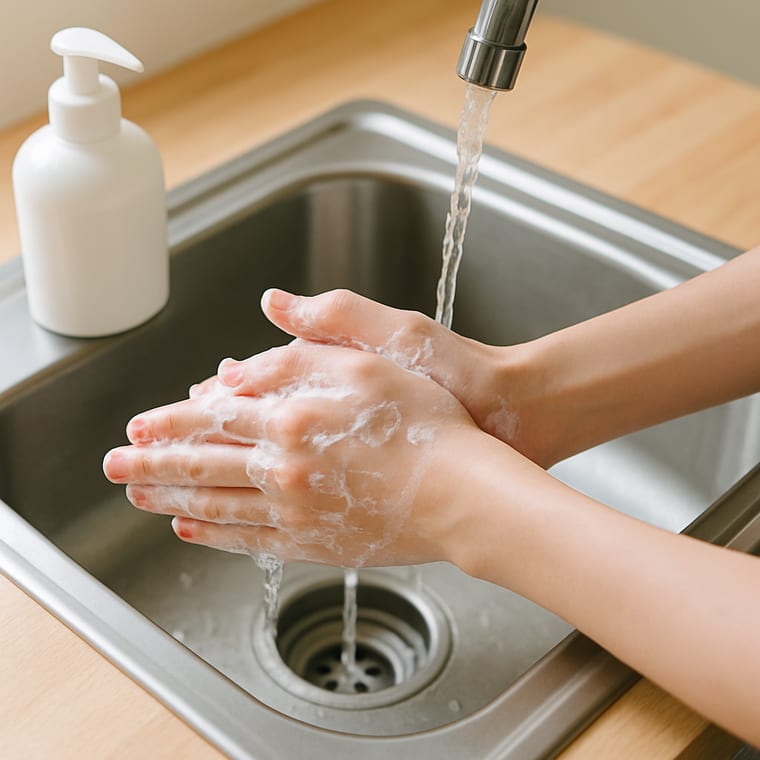 Wash Your Hands
 - Step 2
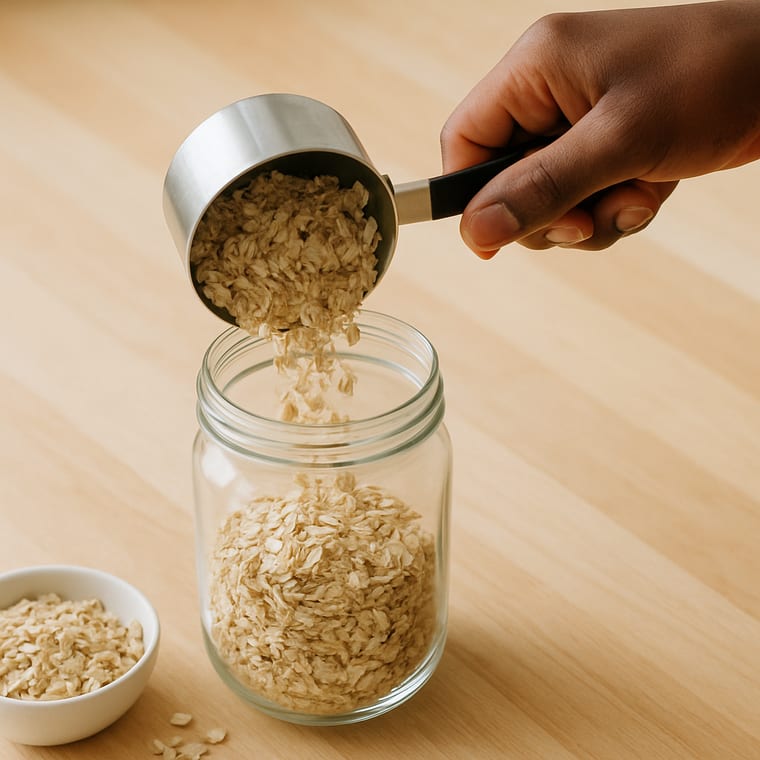 Pour Half a Cup of Oats
 - Step 3
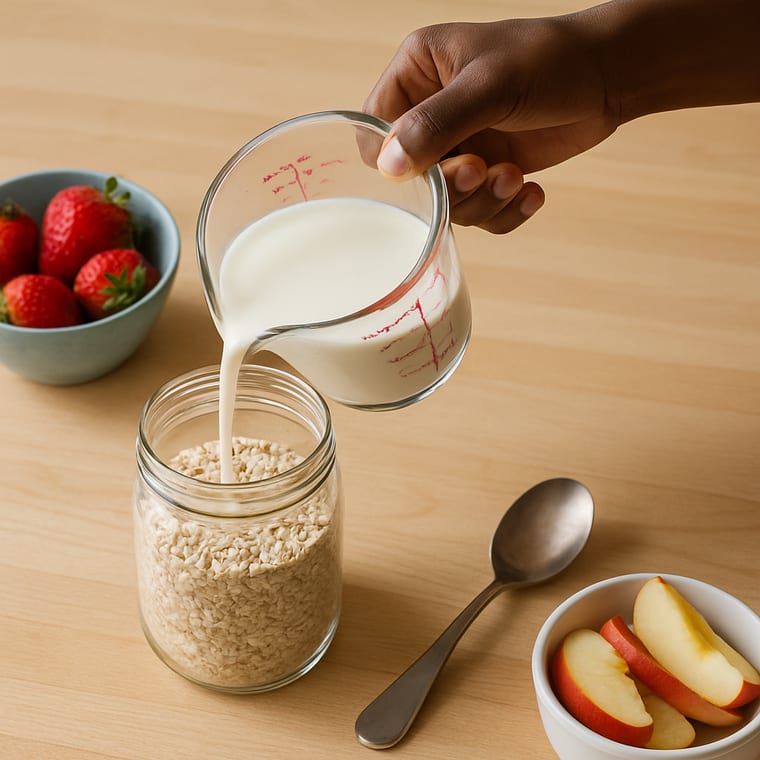 Pour Half a Cup of Milk
 - Step 4
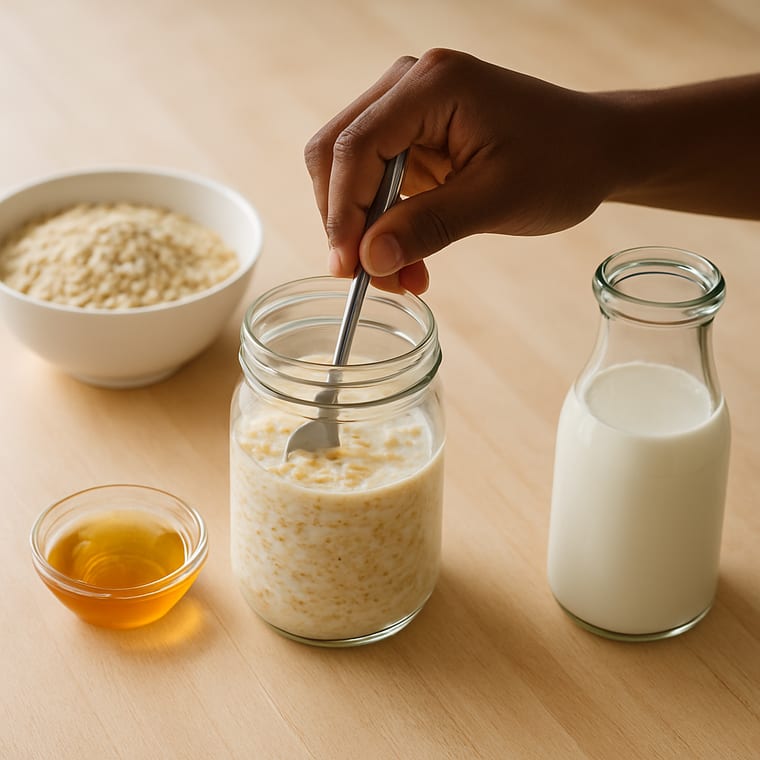 Add Honey and Stir
 - Step 5
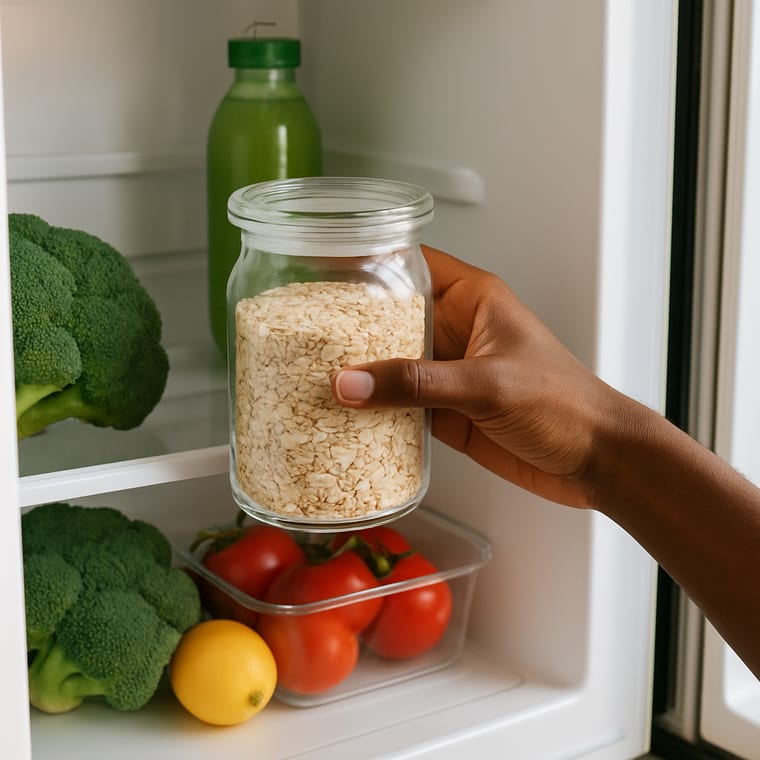 Lid On, Into the Fridge
 - Step 6
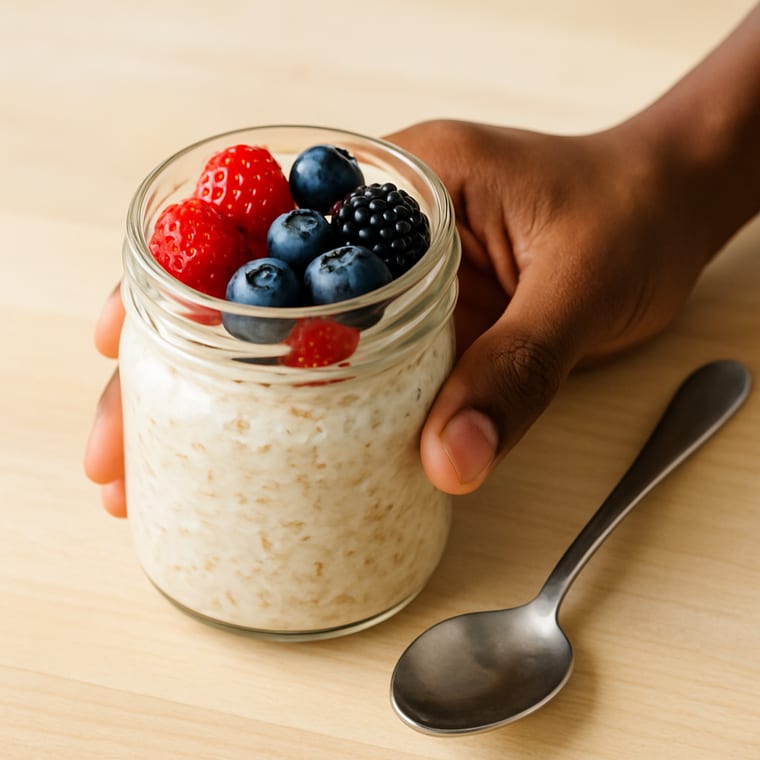 Tomorrow: Add Berries and Eat
Printable preview
What the free PDF looks like once you download or print it. Every toggle above updates it.

Show the photos in a light or dark skin tone, and pick your layout, card size, page size and orientation. The preview and PDF follow your choice.
A picture recipe shows every step as a photo, in order, with a few words under each one. Instead of reading a block of instructions and holding the order in mind, you look at one photo, do that step and move to the next.
These recipes are written for people learning to cook on their own. Each one keeps to a few simple tools and steps, starts with washing your hands and ends with cleaning up, so the whole job is on the page, not just the food.
The free recipes here are one of each kind: overnight oats you make the night before, a sandwich with no cooking at all, and a scrambled egg made in a mug in the microwave. The recipe packs below hold many more in the same format, from no-cook snacks to stovetop meals.
Eight self-care routines as full-page visual task cards for teens, with a Did I Finish self-check strip, cut-apart sequencing cards, comprehension checks, a weekly self-monitoring tracker, wallet-size mini cards, and three difficulty levels.
When to Use This Template
Use them for cooking practice at home, in a life skills or transition program, in a supported living kitchen, or for anyone who finds photos easier to follow than a written recipe.
How to Customize This Template
- Open a recipe in the maker to change an ingredient, the amounts or the words under any step.
- Upload a photo of your own bowl, mug or brand of bread so the pictures match your kitchen.
- Print the Checklist layout and tick each step, which helps when a recipe is new.
- Keep printed recipes in a binder with sheet protectors so spills wipe off.
Take this further with Beacon
Build, save, and share daily schedules in Beacon. Adjust them as the routine changes.
Frequently Asked Questions
- What are picture recipes?
- Recipes where every step is shown as a photo with a few words, in order. They help people who find pictures easier to follow than written instructions, including many autistic adults and people with intellectual disability.
- Are these visual recipes free?
- Yes. The 3 recipes on this page print free, and you can change them in the maker. The recipe packs hold more recipes in the same format.
- Do the recipes need a stove?
- No. Two need no cooking at all and one uses the microwave. The Stovetop pack has recipes for the stove when you are ready.
- Can I make my own picture recipe?
- Yes. Open any recipe in the maker, change the steps and the words, or upload your own photos, then print it.
- Can I change the photos to look like me?
- Yes. Use the Skin tone toggle to show the photos in a light or dark skin tone. The preview, the printable and the PDF all match. In the maker you can also swap any photo for one of your own.