The Best Printer for Teachers: What to Buy When You Print Every Day
The best printers for teachers, chosen on cost per page rather than sticker price: a cheap color tank, a fast mono laser, an all-in-one that replaces the copier queue, and a wide-format for anchor charts.
Key Takeaways
- Buy on cost per page, not sticker price. A teacher printing daily will spend more on ink or toner in the first year than the printer cost, so the cheapest machine on the shelf is usually the most expensive one to own.
- If most of what you print is black and white worksheets, a monochrome laser is the answer. Toner is measured in thousands of pages, it does not dry out over the summer, and it prints faster than any inkjet.
- If you need color for visuals, schedules, and picture cards, buy a refillable ink tank rather than a cartridge printer. Tank machines cost more up front and far less per page.
- Buy an automatic document feeder only if you actually copy multi-page originals. It is the single feature that turns a printer into a copier you do not have to queue for.
- A printer that sits unused for eight weeks over summer will clog if it is an inkjet. If your classroom printer will go dark for the break, laser is the safer choice.
Ask a staff room what printer to buy and you will get sticker prices. That is the wrong number. A teacher who prints daily spends more on ink or toner in the first year than the machine cost, so the cheapest printer on the shelf is usually the most expensive one to own by March.
The useful question is what a page costs you, and that depends almost entirely on how the machine is fed: cartridges, refillable tanks, or toner.
The short answer
- Mostly black and white worksheets? Buy a monochrome laser. Cheapest per page, fastest, and it survives the summer unused.
- Need color for visuals, schedules, and picture cards? Buy a refillable ink tank, not a cartridge printer.
- Copy multi-page originals? Pay for an automatic document feeder, and nothing else you do not need.
- Print anchor charts or big visuals? You need a wide-format machine, because no amount of taping four sheets together looks right on a wall.
- Printer lives in a classroom over the break? Lean laser. Inkjets clog when they sit.
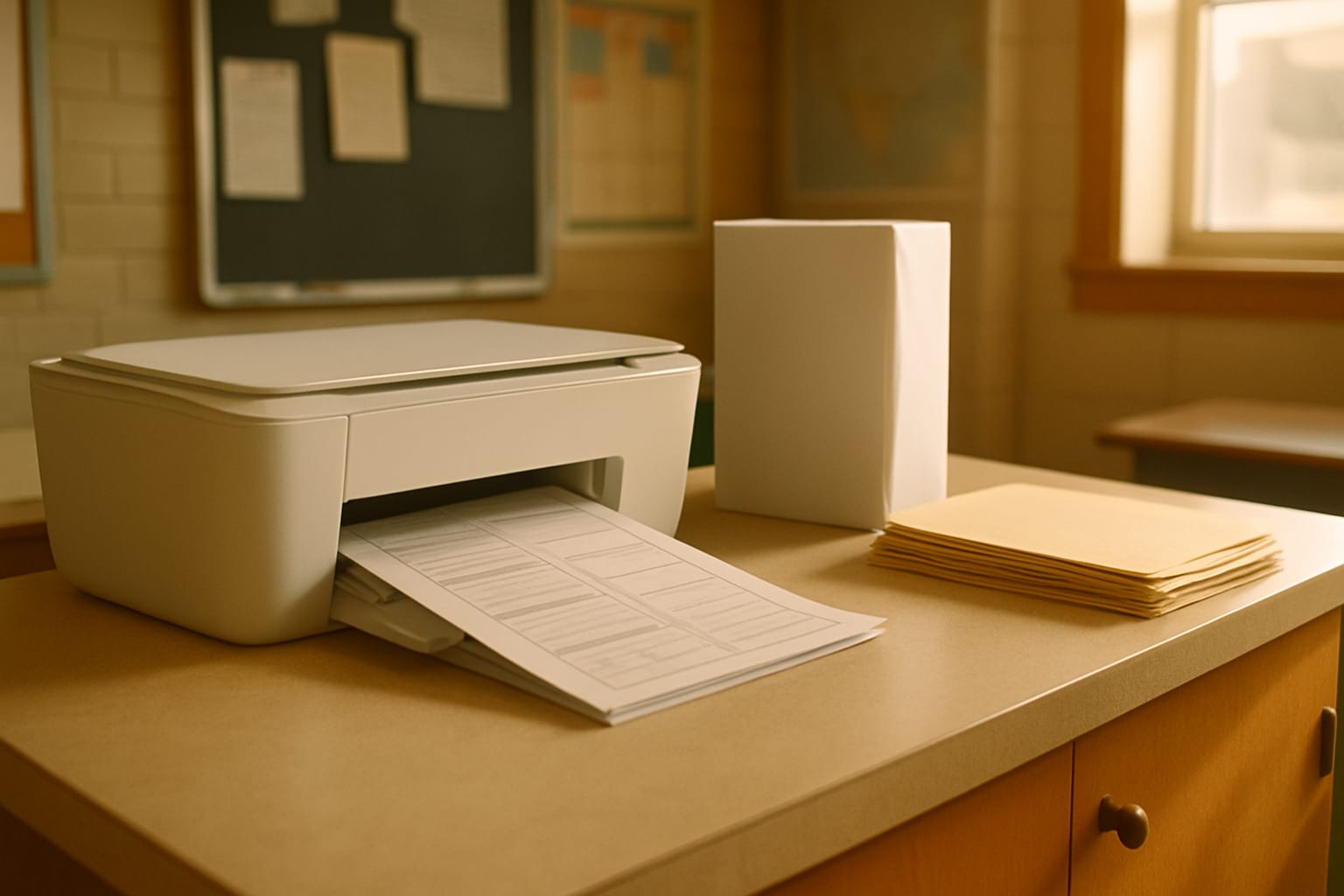
Cost per page is the whole decision
Three ways a printer takes your money, in rough order of how badly they treat a teacher.
Cartridges are the default on cheap inkjets, and the machine is sold at a loss to sell them. A cartridge holds a modest number of pages, so daily classroom volume means replacing them constantly. This is why teachers describe ink as the expensive part of the year.
Refillable tanks invert that trade. The printer costs more up front, then you fill reservoirs from bottles instead of clicking in cartridges. For anyone printing every day the tank machine wins comfortably, and it wins by more the longer you keep it.
Toner is powder rather than liquid, measured in thousands of pages, and it does not dry out. For black and white volume nothing else is close. Toner also does not care that nobody touched the machine from June to August.
That last point is worth pausing on, because it is the failure teachers actually hit. An inkjet parked in a classroom over a long break can clog its print head, and clearing the clog burns ink or the machine. A laser sitting in the same room is fine.
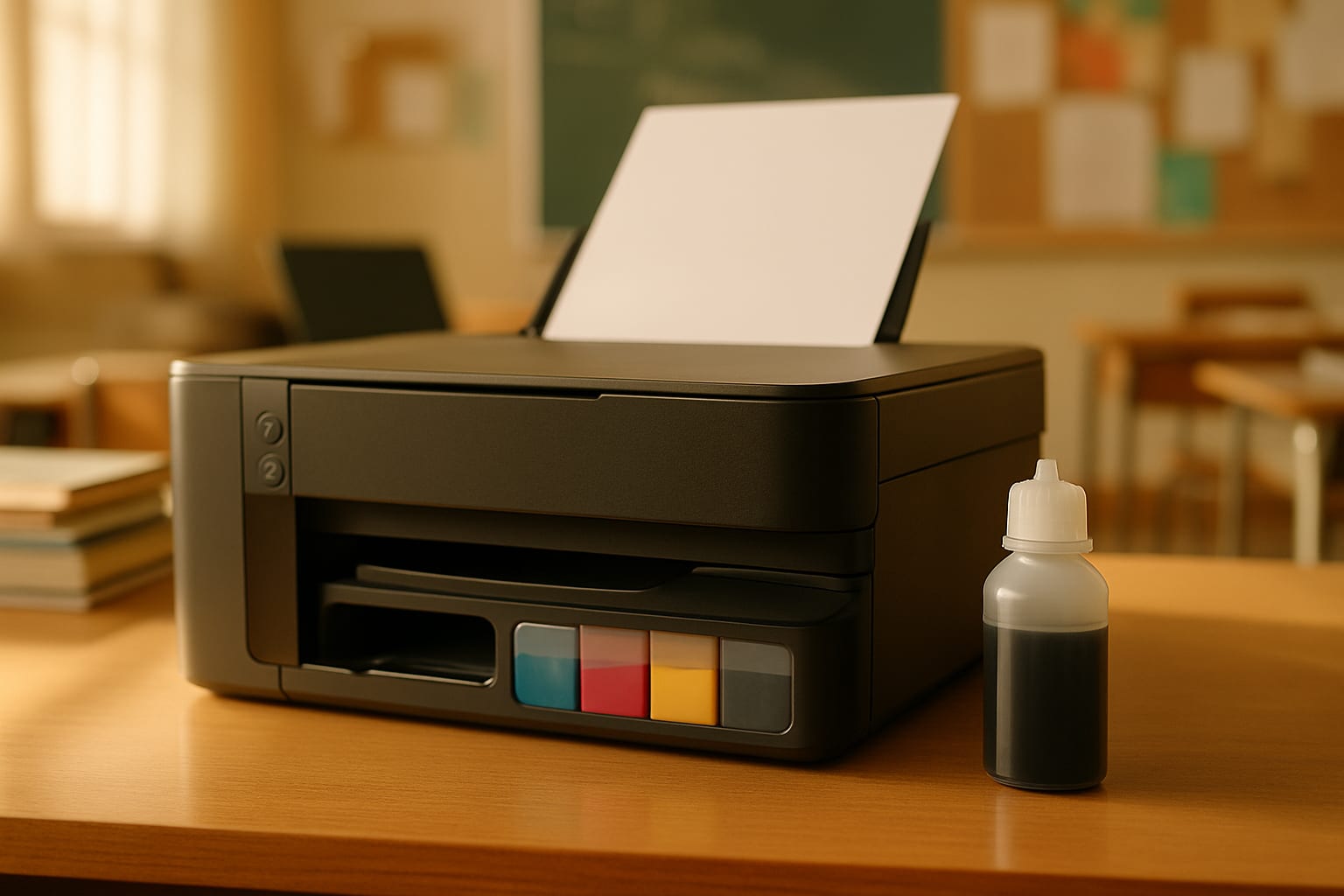
Best all-round printer for a teacher
The EcoTank ET-2800 is the machine most teachers should buy first. It is cartridge-free, so color costs a fraction of what a cartridge printer charges, and it prints, scans, and copies without asking for anything else. Around ten pages a minute is unremarkable on paper and perfectly adequate when the job is thirty worksheets rather than three hundred.
Buy it if you print color regularly: visual schedules, picture cards, sorting mats, anything where the color carries meaning rather than decoration. Skip it if your printing is overwhelmingly black and white, because a laser will be cheaper and faster for that.

Epson EcoTank ET-2800 Wireless Color All-in-One Supertank Printer
Best cheaper tank alternative
Ask a staff room this question and EcoTank is the answer that comes back most often, but Canon's MegaTank line does the same job and usually costs less to buy. The G3270 is a wireless all-in-one that prints, scans and copies, refills from bottles rather than cartridges, and ships with ink in the box.
Pick it over the ET-2800 if the lower price matters more than Epson's larger accessory ecosystem, which is the main practical difference for most teachers. The tank principle, which is the thing that actually saves you money, is identical.

Canon MegaTank G3270 All-in-One Wireless Inkjet Printer with Refillable Ink Tanks
What about HP Instant Ink and other ink subscriptions?
This comes up constantly and deserves a straight answer rather than a dodge.
An ink subscription charges a monthly fee for a page allowance, ships cartridges automatically, and works well for a household printing a predictable handful of pages. Teachers are not that household. Print volume spikes at the start of a unit and around assessments, and going over the allowance means either overage charges or moving up a tier you do not need for the rest of the year.
The bigger issue is what happens if you stop paying. Subscription cartridges generally stop working when the plan lapses, including ink still physically in the cartridge, so the printer becomes unusable until you resubscribe. A tank printer's bottles are yours, and a laser's toner is yours.
Subscriptions are not a scam and some households genuinely come out ahead. For a teacher printing in unpredictable bursts across a school year, a tank or a laser is the safer economics.
Best for high-volume black and white
If you are printing class sets of worksheets, this is the honest answer, and it costs less than the color machine above.
The Brother HL-L2405W is a compact wireless monochrome laser. It prints only in black and white, which sounds like a limitation until you look at what you actually print. Toner lasts, the pages come out quickly, and leaving it idle over the summer does nothing to it.
The catch is real and worth stating: no color, no scanning, no copying. It prints. If that is all you need, nothing else here comes close on running cost.

Brother HL-L2405W Wireless Compact Monochrome Laser Printer
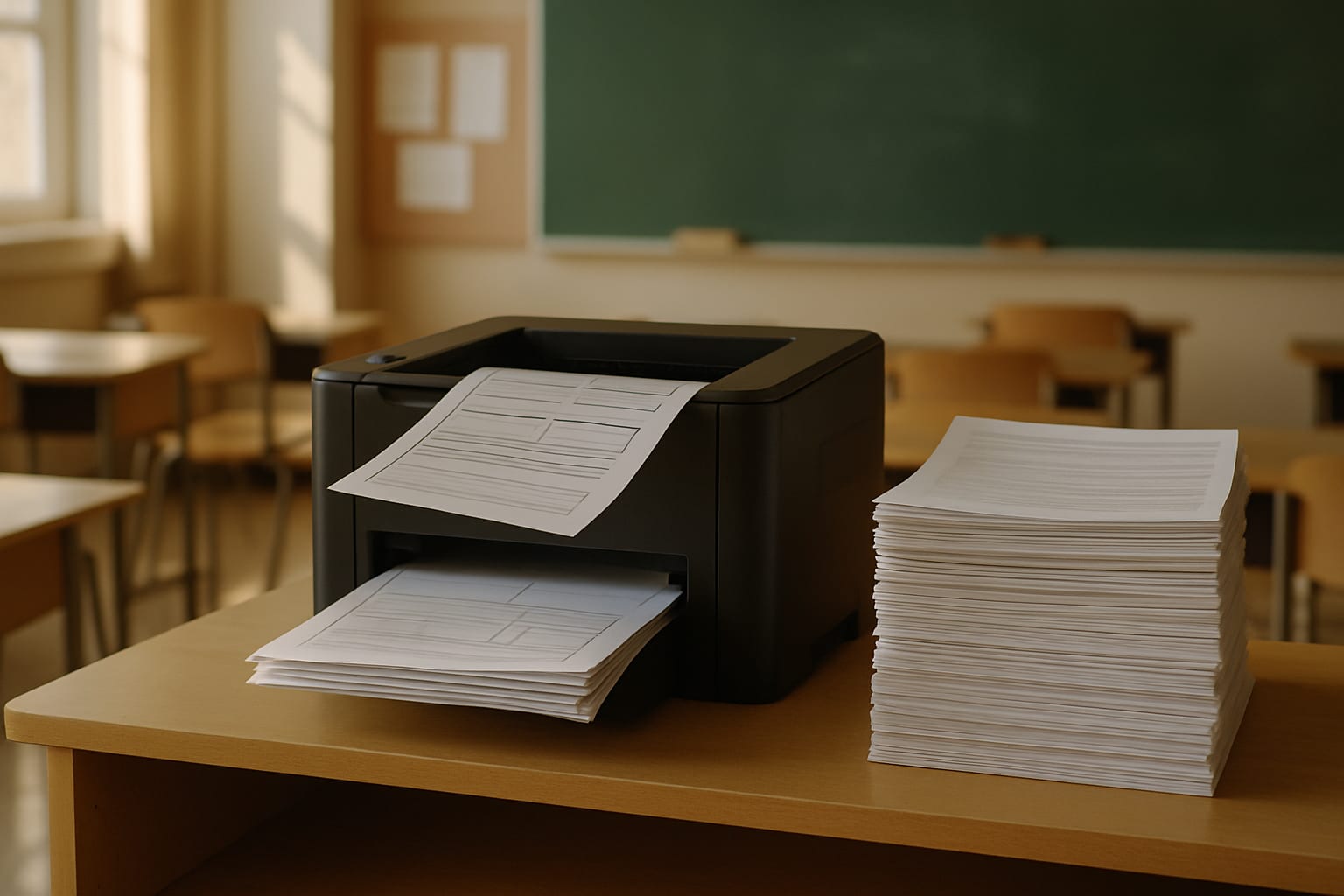
Best for replacing the copier queue
The reason teachers stand at the school copier is rarely printing. It is copying a stack of originals, and that is what an automatic document feeder does.
The Brother MFC-L2820DW is the same monochrome laser idea with copy, scan, and fax added, plus duplex for automatic two-sided output. Feed it a stack, walk away, come back to the copies. For anyone who runs multi-page packets or copies assessments, this is the feature that changes the working day, and it is why it costs more than the plain laser above. Multi-page printables are exactly this kind of job: something like the free classroom I spy book runs about a dozen single-sided pages per student set, fed through in one pass. If you print one, how to make an adapted book covers the settings that matter, starting with 100 percent scale.
Duplex deserves a mention of its own. Automatic two-sided printing halves your paper, and over a school year that is a real number.

Brother MFC-L2820DW Wireless Monochrome All-in-One Laser Printer with Copy, Scan and Fax
Best when you need color and a feeder
Some teachers need both: color visuals and a document feeder. The EcoTank ET-4850 is the machine that does not compromise on either. It is cartridge-free like the ET-2800, adds an automatic document feeder and auto two-sided printing, and runs faster at around 15.5 pages per minute.
It is the most expensive pick here by a distance, and that is the honest catch. It earns the money only if you genuinely use both halves. If your color printing is occasional, a mono laser plus the school's color printer for the rare job is the cheaper setup.

Epson EcoTank ET-4850 Wireless Color All-in-One Supertank Printer with ADF
Best for anchor charts and big visuals
Standard printers stop at letter size, which is why classroom anchor charts get taped together from four sheets and always look it.
The WorkForce Pro WF-7310 prints up to 13 by 19 inches. That is the difference between a visual a class can read from the carpet and one only the front row can see. Its 500-sheet capacity also means it is built for volume rather than for occasional home use, so it doubles as the machine you are not refilling every other day.
This is a specialist buy. If you never print larger than letter, one of the machines above is the better spend.

Epson WorkForce Pro WF-7310 Wireless Wide-Format Inkjet Printer, up to 13 x 19 in
What to check before you buy anything
Paper capacity. A 100-sheet tray is a home printer. Anything built for teacher volume starts around 250 sheets, and the difference is how often you stop what you are doing to reload.
Duplex. Automatic two-sided printing is not a luxury when you print packets. Check it is automatic rather than a prompt to flip the stack yourself.
Whether the color is decorative. Be honest here, because it decides everything. If color is genuinely carrying meaning, buy for color. If it is nice-to-have, a mono laser plus occasional trips to the school's color machine costs far less.
The running cost, not the price. Look up what the ink bottles or toner cartridges cost and roughly how many pages they are rated for before you commit. That single check is what separates a printer you are happy with in March from one you resent.
Get more out of whatever you buy
Printing less is cheaper than printing efficiently. Two habits do most of the work: print the reusable things once and laminate them rather than reprinting weekly, and print in draft mode for anything students will write on and throw away.
If you are stocking a room rather than just replacing a printer, the special education classroom must-haves list covers the laminator, the pouches, and the rest of the prep station this printer feeds. And if you want fewer pages to print in the first place, the free lesson plan maker and its template gallery produce finished plans you print once per week rather than rebuilding by hand, with the paper size already set to Letter or A4.
Some links on this page are affiliate links. If you buy through them, we may earn a small commission at no extra cost to you.
Products mentioned in this article
Epson EcoTank ET-2800 Wireless Color All-in-One Supertank Printer
Canon MegaTank G3270 All-in-One Wireless Inkjet Printer with Refillable Ink Tanks
Brother HL-L2405W Wireless Compact Monochrome Laser Printer
Brother MFC-L2820DW Wireless Monochrome All-in-One Laser Printer with Copy, Scan and Fax
Epson EcoTank ET-4850 Wireless Color All-in-One Supertank Printer with ADF
Epson WorkForce Pro WF-7310 Wireless Wide-Format Inkjet Printer, up to 13 x 19 in
Prices and availability are accurate as of the date/time shown and are subject to change. Any price and availability information displayed on Amazon at the time of purchase will apply to the purchase of this product.
Planning for a room where every student needs something different?
Beacon remembers your students and your setting, so you are not re-explaining them every time.
What would Beacon say?
"Help me plan a week for a mixed-goal group"
Beacon works from the goals and levels already in your room, then gives you something you can run on Monday. Not a blank template to fill in on Sunday night.

Spectrum Unlocked Editorial Team
Editorial Team
The Spectrum Unlocked editorial team combines lived experience as autism parents with research-backed guidance to create resources families can trust.
Frequently asked questions
- What is the best printer for teachers?
- It depends on what you print most. For mostly black and white worksheets in volume, a compact monochrome laser like the Brother HL-L2405W is the cheapest to run and the fastest. For color visuals, schedules, and picture cards, a refillable ink tank such as the Epson EcoTank ET-2800 costs far less per page than any cartridge printer. If you also need to copy and scan multi-page originals, an all-in-one with an automatic document feeder is worth the step up. Choose on the kind of pages you print rather than on the price on the box.
- Is a laser or inkjet printer better for a teacher?
- Laser is better for high-volume black and white, which is what most teachers print. Toner yields are measured in thousands of pages, laser pages come out faster, and toner does not dry out when the machine sits idle over a school break. Inkjet is better when you genuinely need color, and specifically a refillable tank inkjet rather than a cartridge one. Many teachers end up with a mono laser for worksheets and keep color printing for the few things that actually need it.
- Why is printer ink so expensive for teachers?
- Because cartridge printers are sold at a loss and the money is made back on ink. The cartridges hold a small number of pages, so a teacher printing daily replaces them constantly and can spend more on ink in a year than the printer cost. Refillable tank printers invert that trade: a higher price on the machine, then bottles that fill the tanks and last far longer than a cartridge would. If you print every day, the tank machine wins even though it looks more expensive on the shelf.
- Do teachers need a printer with a scanner?
- Only if you copy or scan regularly. A flatbed scanner handles one page at a time, which is fine for occasional work. What actually saves time is an automatic document feeder, because it takes a stack of originals and works through them unattended, which is the thing that makes school copier queues so slow to avoid. If you never copy multi-page originals, skip it and put the money toward lower running costs.
- Will a printer be damaged if it sits unused all summer?
- An inkjet can be. Ink dries in the print head when a machine sits idle for weeks, and clearing a clog wastes ink or, in bad cases, needs a service. Laser printers use toner powder and are unaffected by sitting idle, which makes them the safer choice for a machine that stays in a classroom over the break. If you keep an inkjet, running a short print job every couple of weeks over the summer helps.
- Is HP Instant Ink worth it for teachers?
- Usually not, for two reasons. Ink subscriptions bill for a monthly page allowance, and teacher printing is spiky rather than predictable, so you either pay overage in heavy months or carry a larger plan than you need for the rest of the year. More importantly, subscription cartridges typically stop working when the plan lapses, including ink still in the cartridge, so cancelling leaves you with a printer you cannot use. Bottles for a tank printer and toner for a laser are yours outright. Subscriptions suit predictable low-volume households better than they suit a classroom.
- Is Canon MegaTank as good as an Epson EcoTank?
- For the thing that matters, yes. Both are refillable tank systems that replace cartridges with bottles, and both cut the cost of a color page dramatically compared with a cartridge printer. Canon's MegaTank models often cost less to buy. Epson has the wider range and more accessories, and specific models differ on speed, document feeders and paper capacity, so compare the individual machines rather than the brands. Either one beats a cartridge printer for a teacher printing regularly.
- Can a home printer handle a teacher's printing volume?
- A basic cartridge home printer usually cannot, at least not affordably. Entry-level machines have low monthly duty cycles and small cartridges, so daily classroom volume burns through supplies and wears the machine quickly. Look at the paper capacity as a proxy: a 100-sheet input tray means refilling constantly, while 250 sheets or more is built for real volume.