The Best Printer for Homeschool: Buying for a Year of Curriculum
The best printers for homeschooling families, chosen on cost per page: a cheap color tank for the early years, a mono laser for workbook volume, and what actually matters when the printer lives in your house.
Key Takeaways
- There is no copier down the hall. Every page of curriculum you print is paid for by you, which makes cost per page the number that decides this purchase and sticker price close to irrelevant.
- Homeschool print volume is front-loaded and enormous: a full year of curriculum is often thousands of pages, and much of it arrives as one PDF you print in batches rather than a worksheet at a time.
- Color matters more in the early years and drops off fast. If your children are young, buy a refillable ink tank. If they have aged past picture-heavy work, a mono laser will cost far less to run.
- Automatic two-sided printing is the cheapest saving available. It halves paper on the workbook-style pages that make up most of a homeschool year.
- The machine lives in your house, so size, noise, and what happens when it sits idle over a break are real considerations, not afterthoughts.
Homeschooling has no copier down the hall. Every page of curriculum comes out of a machine you bought, using ink or toner you paid for, which makes this one of the few purchases where the running cost genuinely dwarfs the price on the box.
And the volume is not small. A year of curriculum for a single child routinely runs past a thousand pages once you count workbooks, readers, practice sheets and the reprints for whatever gets spilled on. Multiply that across children at different levels and the printer stops being an appliance and starts being infrastructure.
The short answer
- Young children, color-heavy curriculum? Buy a refillable ink tank. Color on a cartridge printer will bleed you.
- Mostly black and white workbook pages? Buy a monochrome laser. Cheaper per page and faster.
- Several children, high volume, still need color? Step up to a color machine built for volume rather than a household one.
- Keeping a portfolio or submitting samples? You want a scanner. Whether you need a document feeder depends on whether you scan stacks.
- Whatever you buy, insist on automatic two-sided printing. It halves the paper on the pages that make up most of your year.
Work out your cost per page before you shop
This is the entire decision, and it takes five minutes.
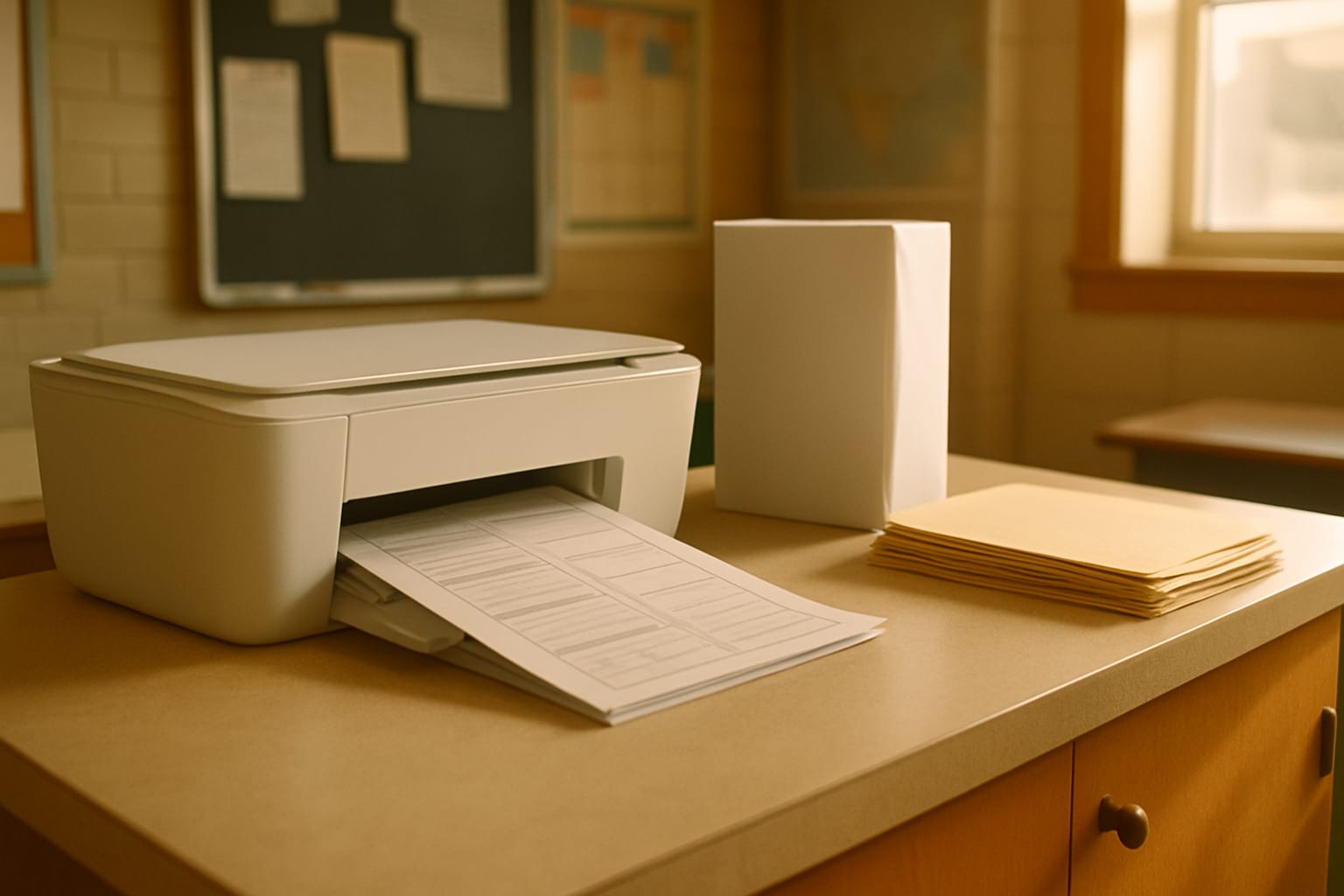
Find the printer you are considering, look up what a full set of ink bottles or toner cartridges costs, and find the page yield the manufacturer quotes. Divide. That number, multiplied by the thousand-plus pages a homeschool year actually takes, is what the machine will cost you beyond its purchase price.
Do it for a cheap cartridge printer and the answer is usually uncomfortable. Cartridge machines are sold at a loss precisely because the supplies make the money back, and they assume a household printing occasionally rather than a family printing a curriculum.
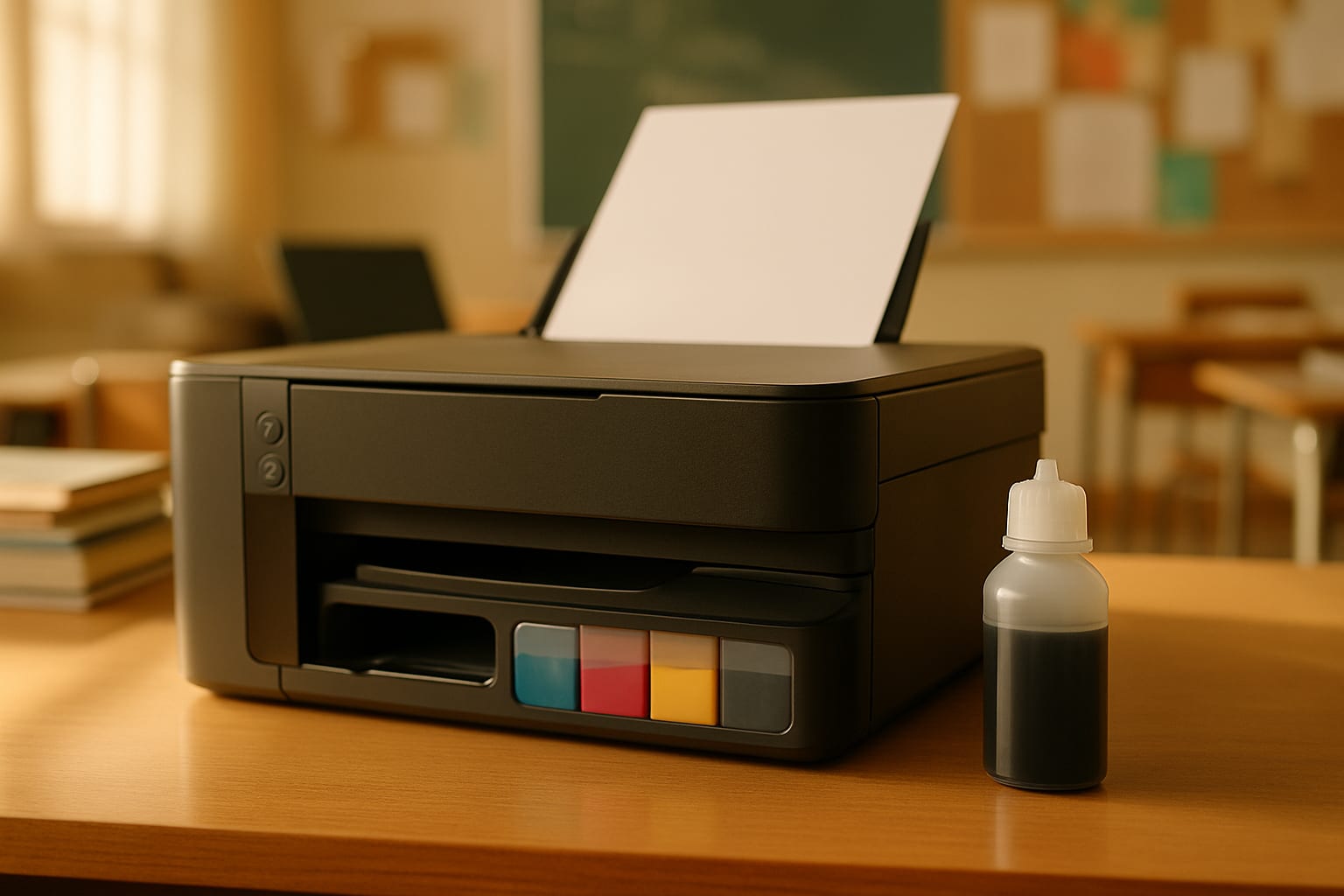
Refillable tanks invert that. You pay more for the printer, then refill reservoirs from bottles. For homeschool volume, the tank machine has usually paid back the difference well inside the first year.
Toner is powder, rated in thousands of pages, and indifferent to sitting idle. For black and white volume nothing beats it.
That last property matters more for homeschoolers than for schools, because a family printer often sits untouched through a long break. An inkjet parked for eight weeks can clog its head; a laser cannot.
Best all-round homeschool printer
The EcoTank ET-2800 is the machine most homeschooling families should start with, especially in the early years when the curriculum leans on color. It is cartridge-free, it prints, scans and copies, and color costs a fraction of what a cartridge printer charges for the same page.
Buy it if your children are young enough that color is doing real work: picture-heavy readers, sorting and matching pages, anything where the color carries meaning. Skip it if your printing has already shifted to mostly black and white text, because a laser will cost less to run and print faster.

Epson EcoTank ET-2800 Wireless Color All-in-One Supertank Printer
Best cheaper tank alternative
EcoTank dominates homeschool recommendations, but Canon's MegaTank range does the same job and generally costs less up front. The G3270 prints, scans and copies, refills from bottles, and comes with ink in the box.
For a family watching the initial outlay, this is the cheaper way into tank printing, and tank printing is the part that saves the money. Epson has the broader lineup if you later want a document feeder or more speed, so compare the specific machines rather than the brands.

Canon MegaTank G3270 All-in-One Wireless Inkjet Printer with Refillable Ink Tanks
A word on ink subscriptions
Ask any homeschool group about printers and someone will recommend an ink subscription such as HP Instant Ink. It deserves a proper answer, because it is a genuinely different model rather than a different printer.
You pay monthly for a page allowance and cartridges arrive automatically. That suits a household with steady, modest printing. Homeschool printing is the opposite shape: enormous at the start of a year or a unit, then quiet. Heavy months mean overage charges or a bigger plan you then pay for through the quiet months.
The part that catches families out is cancellation. Subscription cartridges generally stop working when the plan ends, including ink physically still in the cartridge, so stopping the subscription means the printer stops too. Bottles for a tank machine and toner for a laser are yours to keep, and they keep working whatever you decide next year.
If your printing is genuinely light and predictable, a subscription can work out. For a family printing a curriculum, buy the machine with the cheap consumables instead.
Best for workbook volume
Once the picture-heavy years are behind you, most homeschool printing is black text on white paper, and that is a job for a monochrome laser.
The Brother HL-L2405W is compact, wireless, and cheap to buy and to run. Toner lasts a long time, the pages come out quickly, and it will not care that nobody printed anything in July.
The honest catch: black and white only, and it prints only. No scanning, no copying. If you need those, the all-in-one further down is the same idea with the extras.

Brother HL-L2405W Wireless Compact Monochrome Laser Printer
Best color printer for high volume
Families with several children, a color-heavy curriculum, and a real annual page count sit awkwardly between the two options above. Inkjets are cheap per color page but slow at volume; mono lasers are fast but cannot do color at all.
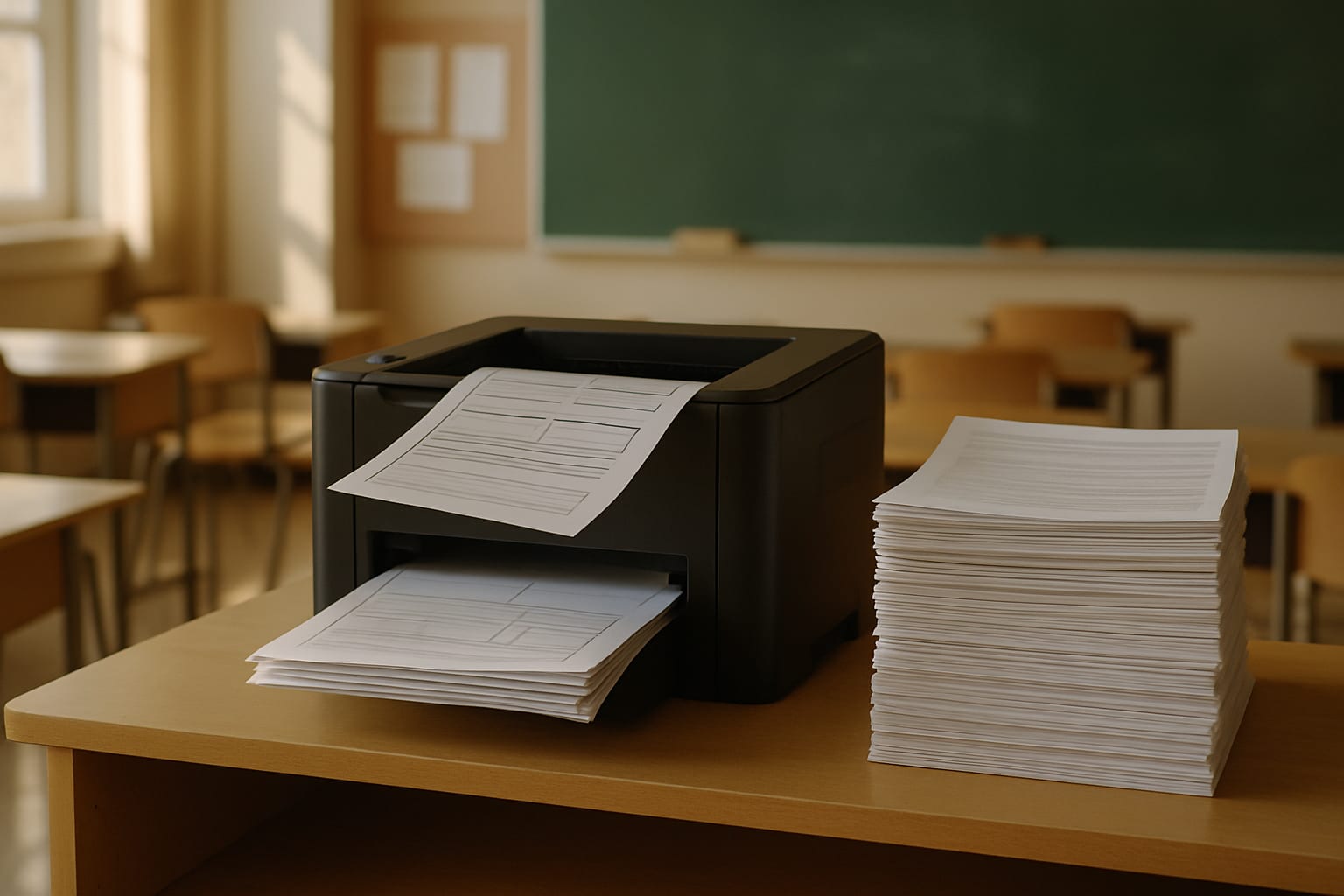
The Brother HL-L3280CDW is the middle road: a compact color machine with laser-quality output and automatic duplex, built for more throughput than a household inkjet. It prints only, with no scanner, so pair it with a cheap flatbed if you need to archive work.
It costs more than either machine above, and that is the trade. It earns the money on volume, not on features.

Brother HL-L3280CDW Wireless Compact Color Printer with Laser Quality Output and Duplex
Best when you need color, speed and a feeder
If you want one machine to do everything, the EcoTank ET-4850 is it: cartridge-free color, an automatic document feeder, automatic two-sided printing, and noticeably quicker than the ET-2800 at around 15.5 pages per minute.
This is the most expensive pick here and it only makes sense if you genuinely use the whole machine. A family that scans portfolio work regularly and prints color daily will get their money back. A family that mostly prints black and white will not.

Epson EcoTank ET-4850 Wireless Color All-in-One Supertank Printer with ADF
Best for portfolios and record keeping
Some states and umbrella programs want evidence, and scanning a stack of completed work one page at a time is miserable. The Brother MFC-L2820DW is a monochrome laser all-in-one with copy, scan and fax plus an automatic document feeder, so you load the stack and walk away.
It is black and white, which is usually fine for archiving written work, and the duplex printing halves your paper on everything else.

Brother MFC-L2820DW Wireless Monochrome All-in-One Laser Printer with Copy, Scan and Fax
Things that matter because it lives in your house
Size and noise. A classroom printer sits in a classroom. Yours is going in a family space, and a laser mid-job is not quiet. Check the footprint against wherever it will actually live before you order.
Paper capacity. A 100-sheet tray means reloading constantly on a curriculum print run. Look for 250 sheets or more if you print in batches.
Duplex, always. Automatic two-sided printing is the single cheapest saving in this whole article, and it is worth rejecting a machine over.
Idle time. If the printer will go dark for a long break, lean laser, or commit to running a small color job every couple of weeks.
Draft mode. Most of what a child writes on and hands back does not need full-quality ink. Draft mode on the consumable pages, full quality on anything kept.
Print less, not just cheaper
The cheapest page is the one you never print. Laminate or sleeve the pages that repeat, so handwriting practice and routine charts get printed once and reused with a dry-erase marker rather than reprinted weekly.
Print volume is also a curriculum choice. Programs delivered onscreen put almost nothing through the printer, while a PDF-based curriculum puts all of it there, so the decision that sets your ink bill is made before you buy the machine. Free homeschool curriculum for autism covers which free programs run online versus on paper.
If you are printing planning documents as well as curriculum, the free lesson plan maker and its template gallery produce finished, print-ready plans with the paper size already set, which is one less thing to rebuild by hand each week. Homeschooling an autistic child specifically? The autism homeschool hub collects the schedules, trackers, and worksheets most worth the ink, the homeschool supplies list covers everything around the printer (with a printable checklist to shop from), and the Autism Homeschool Planner is the fifteen-page undated book most of that printing feeds. Teachers weighing up the same purchase from the other side of the fence will find the classroom version of this comparison in the best printer for teachers, where the school copier changes the math.
Some links on this page are affiliate links. If you buy through them, we may earn a small commission at no extra cost to you.
Products mentioned in this article
Epson EcoTank ET-2800 Wireless Color All-in-One Supertank Printer
Canon MegaTank G3270 All-in-One Wireless Inkjet Printer with Refillable Ink Tanks
Brother HL-L2405W Wireless Compact Monochrome Laser Printer
Epson EcoTank ET-4850 Wireless Color All-in-One Supertank Printer with ADF
Brother HL-L3280CDW Wireless Compact Color Printer with Laser Quality Output and Duplex
Brother MFC-L2820DW Wireless Monochrome All-in-One Laser Printer with Copy, Scan and Fax
Prices and availability are accurate as of the date/time shown and are subject to change. Any price and availability information displayed on Amazon at the time of purchase will apply to the purchase of this product.
Need help preparing for YOUR next IEP meeting?
Beacon learns about YOUR child and gives guidance specific to them.
What would Beacon say?
"Help me prep for my IEP meeting"
If you asked Beacon "Help me prep for my IEP meeting" it would pull your child's goals, challenges, and history, and give you the exact questions to ask, red flags to watch for, and what to push back on.

Spectrum Unlocked Editorial Team
Editorial Team
The Spectrum Unlocked editorial team combines lived experience as autism parents with research-backed guidance to create resources families can trust.
Frequently asked questions
- What is the best printer for homeschooling?
- For most homeschooling families the best choice is a refillable ink tank all-in-one such as the Epson EcoTank ET-2800, because early-years curriculum is color-heavy and tank refills cost a fraction of cartridges. Families printing mostly black and white workbook pages will spend less running a monochrome laser like the Brother HL-L2405W. The deciding factor is what your printing actually looks like, not the price of the machine, because a year of homeschool printing costs more in ink or toner than the printer does.
- How much printing does homeschooling actually involve?
- More than most families expect. A full year of curriculum for one child commonly runs to a thousand pages or more once you include workbooks, readers, practice pages, and the reprints for the pages that get ruined. With several children at different levels it multiplies. That volume is why cartridge printers hurt so much in homeschool use: they are designed for occasional household printing, not for a curriculum run in batches.
- Should homeschoolers buy a laser or an inkjet printer?
- Buy a tank inkjet if your children are young and the curriculum is color-heavy, because color on a cartridge printer is punishing and color on a tank printer is cheap. Buy a monochrome laser once printing is mostly black and white text and worksheets, because toner is measured in thousands of pages and prints faster. Plenty of families with a wide age range end up with a mono laser as the workhorse and keep a cheap color machine for the younger children's work.
- Is it cheaper to print curriculum at home or send it to a print shop?
- Home printing is usually cheaper per page once you own an efficient machine, and it is far more convenient when you need one replacement page mid-week. Print shops win on bulk black and white and on binding, so many families use a hybrid: print the big consumable workbooks at a shop at the start of the year, and handle everything else at home. Work out your own cost per page before deciding, because the answer changes completely between a cartridge printer and a tank or laser.
- Do I need an all-in-one printer for homeschool?
- A scanner is genuinely useful for homeschooling: keeping a portfolio, submitting samples to an umbrella school or evaluator, and archiving completed work. Whether you need an automatic document feeder is a different question, and it depends on whether you scan or copy multi-page stacks. If you scan the odd page, a flatbed is fine and the money is better spent on lower running costs.
- Is an ink subscription like HP Instant Ink good for homeschooling?
- Rarely, because the billing shape does not match how homeschoolers print. Subscriptions charge monthly for a page allowance, and homeschool printing is front-loaded: huge at the start of a year or unit, then quiet. That means overage charges in heavy months or paying for a large plan during the quiet ones. The bigger catch is that subscription cartridges usually stop working when the plan lapses, including ink still in the cartridge, so cancelling leaves the printer unusable. Ink bottles for a tank printer and toner for a laser are yours permanently. If your printing is light and steady a subscription can work, but a curriculum print run is neither.
- Is Canon MegaTank as good as an Epson EcoTank for homeschool?
- For the thing that saves money, yes. Both are refillable tank systems that use bottles instead of cartridges, and both make color printing dramatically cheaper than a cartridge machine. Canon MegaTank models are often cheaper to buy, which matters when you are funding everything yourself. Epson offers a wider range if you later want a document feeder or more speed. Compare the individual models on paper capacity, duplex and speed rather than picking on brand.
- Will a printer be ruined if it sits unused between school years?
- An inkjet can clog if it sits idle for weeks, because ink dries in the print head. If your family takes a long summer break and the printer will sit untouched, either choose a laser, which uses powder toner and is unaffected, or run a short color print job every couple of weeks to keep an inkjet healthy. This catches families out more often than any other printer problem.